
Product Discovery
Identifying opportunities in the VTubing space.
Context
A VTubing app was on the roadmap.
Before committing to it, I wanted to
make sure it was worth building.

Current Market Solutions
Benchmark

Learnings

Audience
Hypothesis

Expectations
Hypothesis
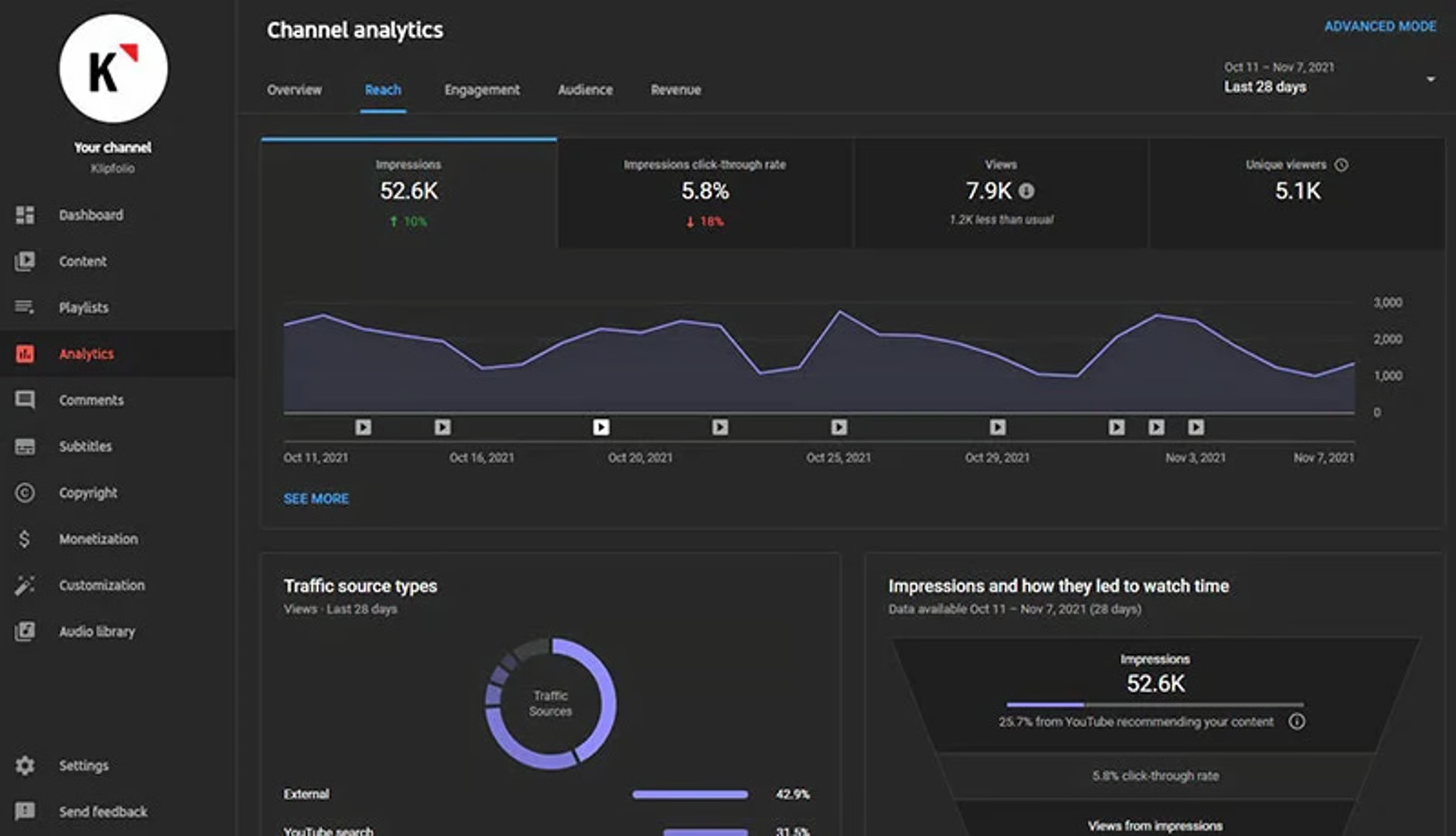
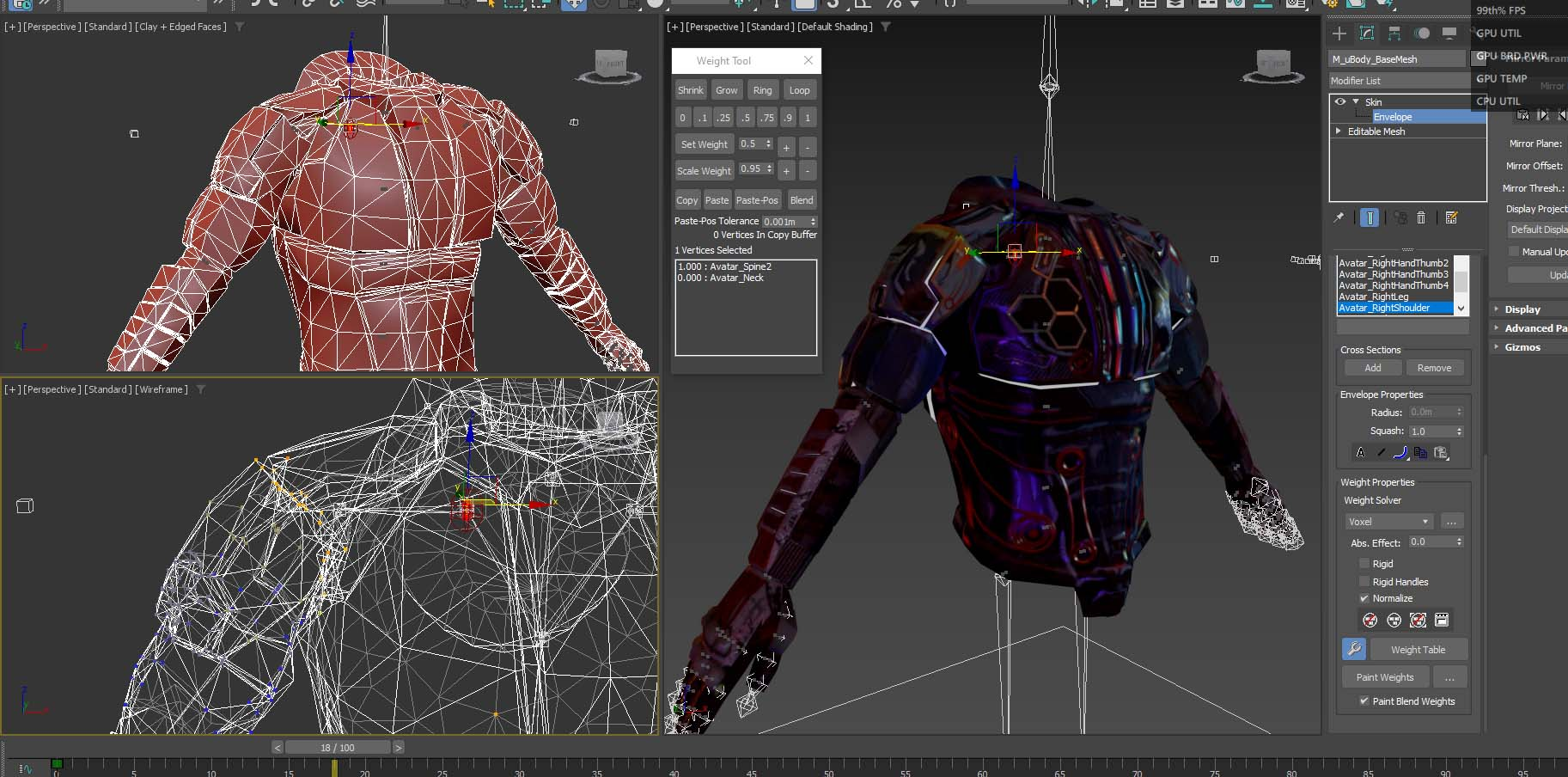
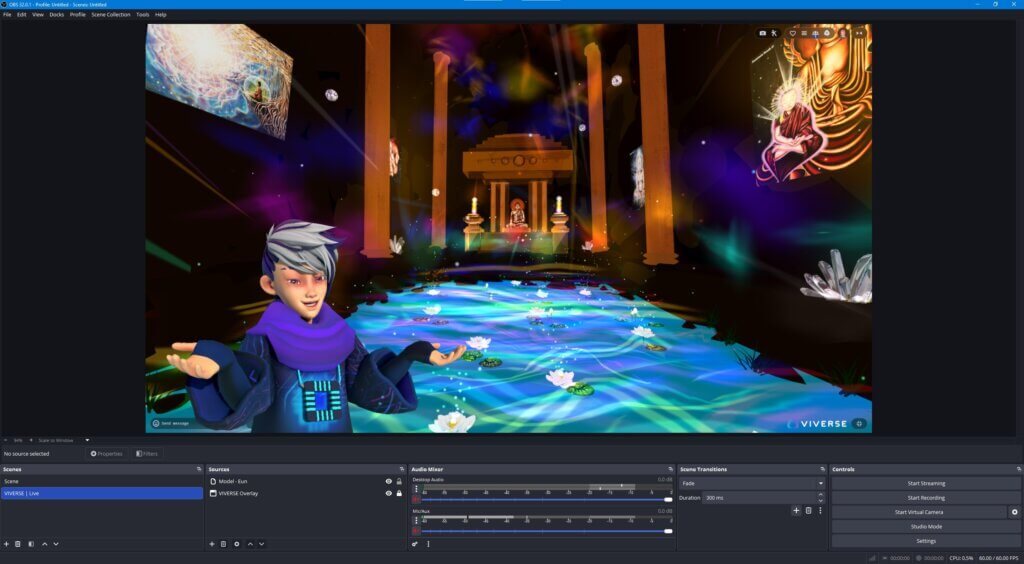
Current Market Solutions
Benchmark
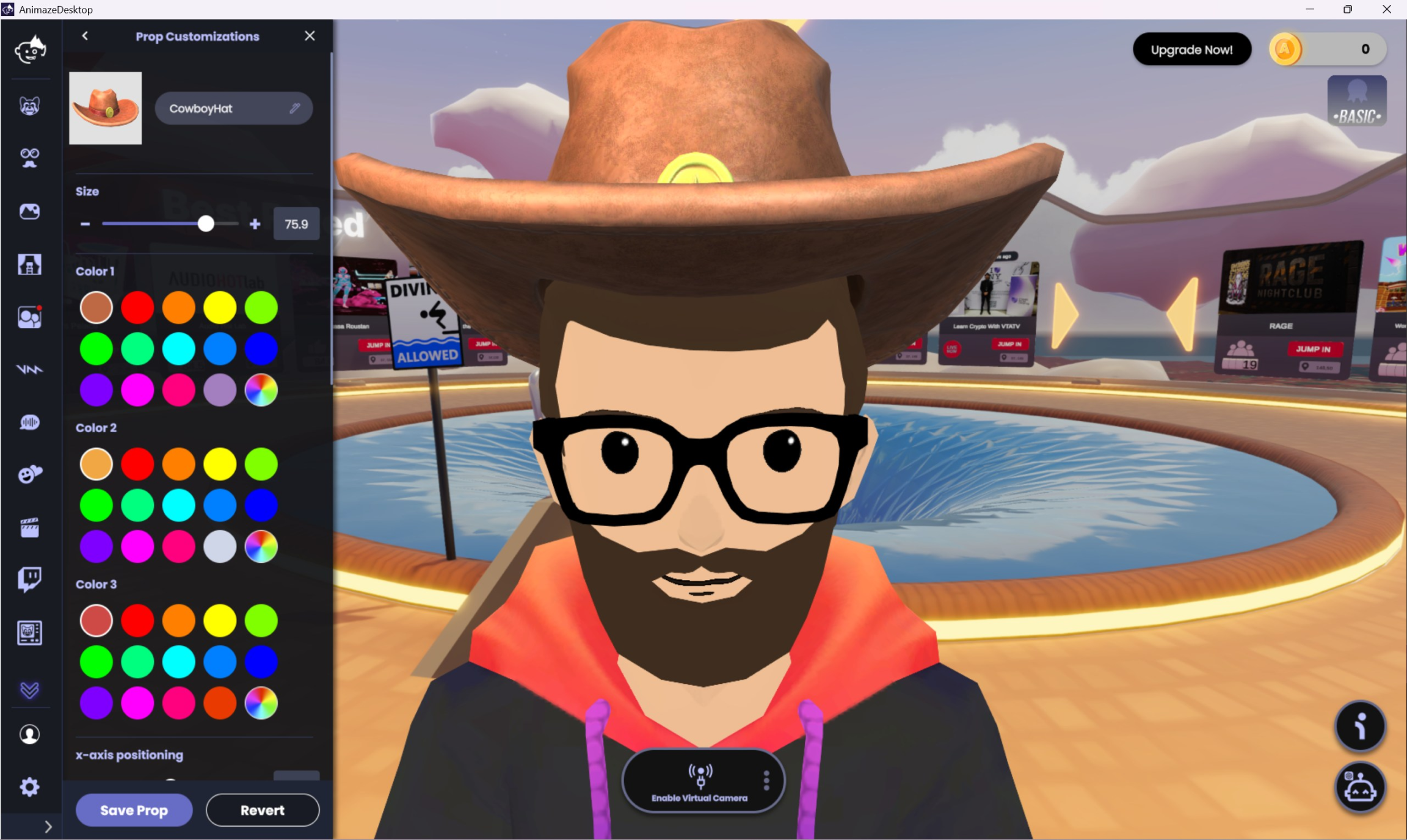
Current Market Solutions
Most popular apps
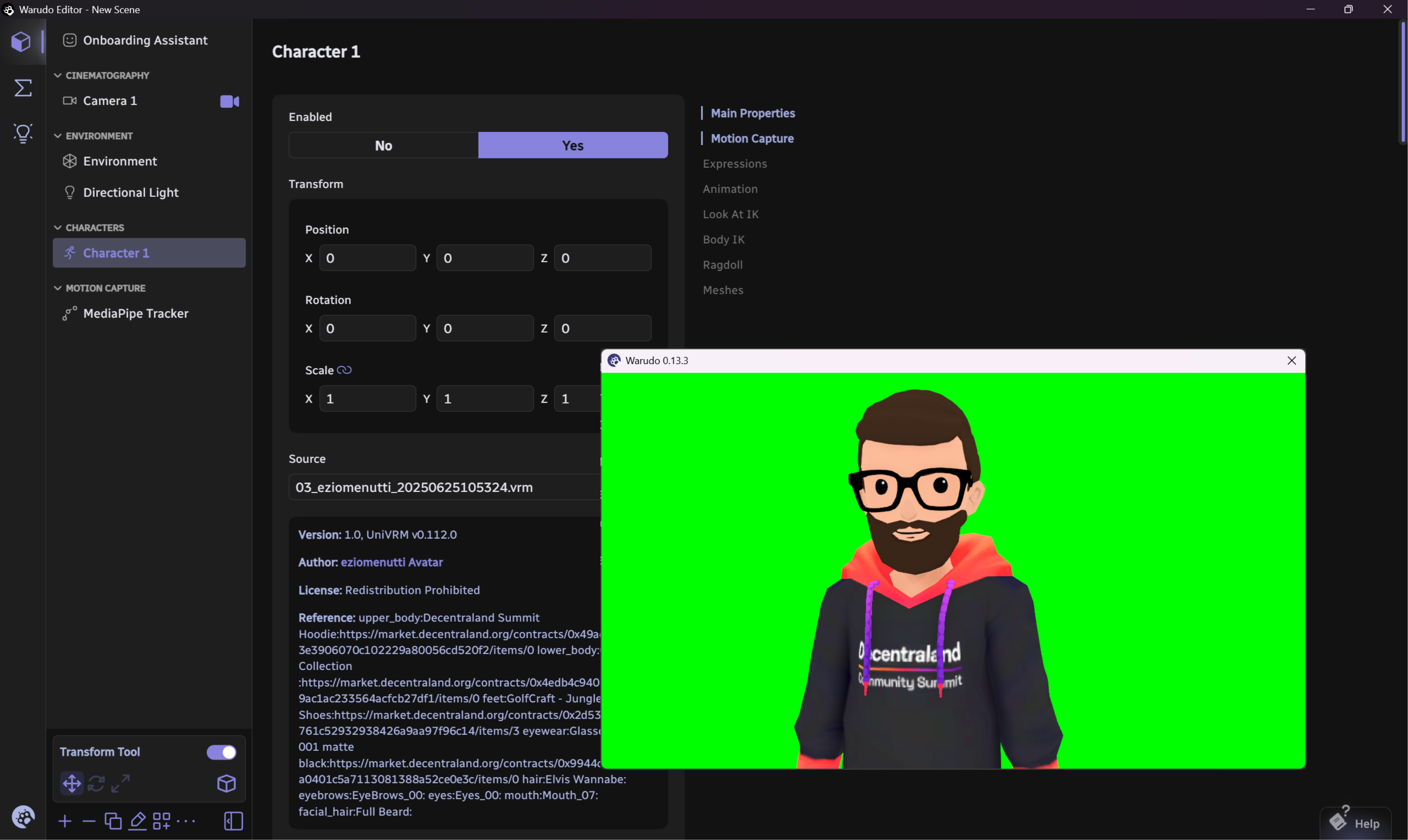
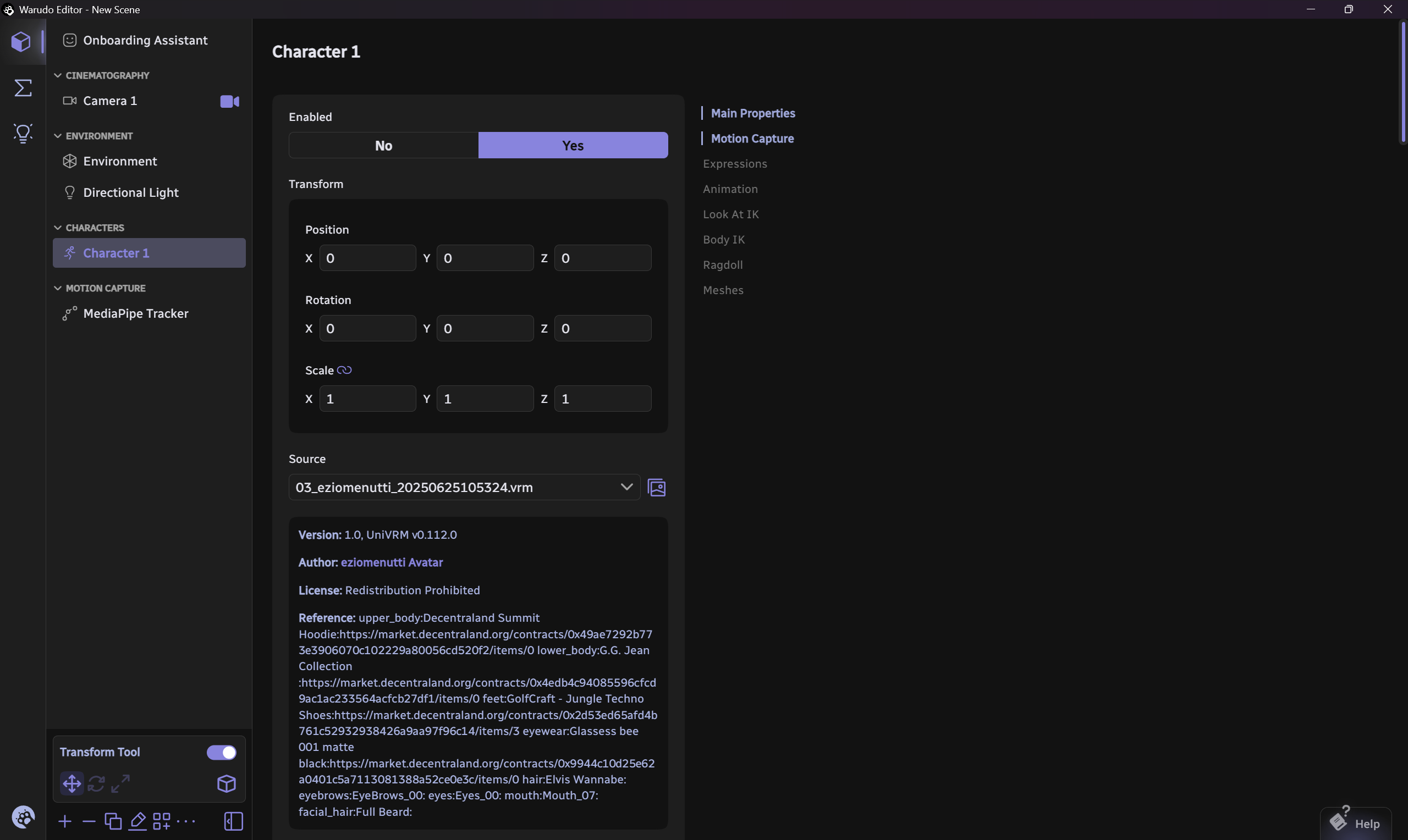
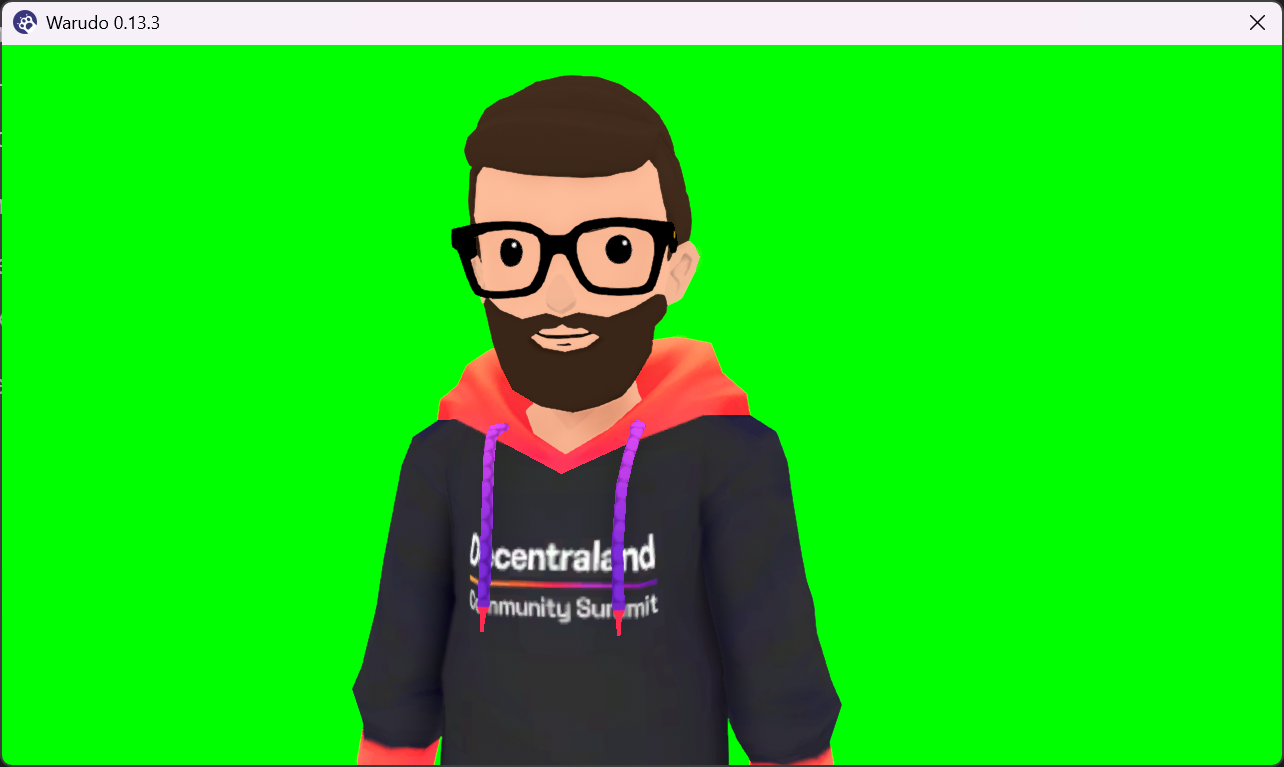
warudo
steam (windows)
free for personal use
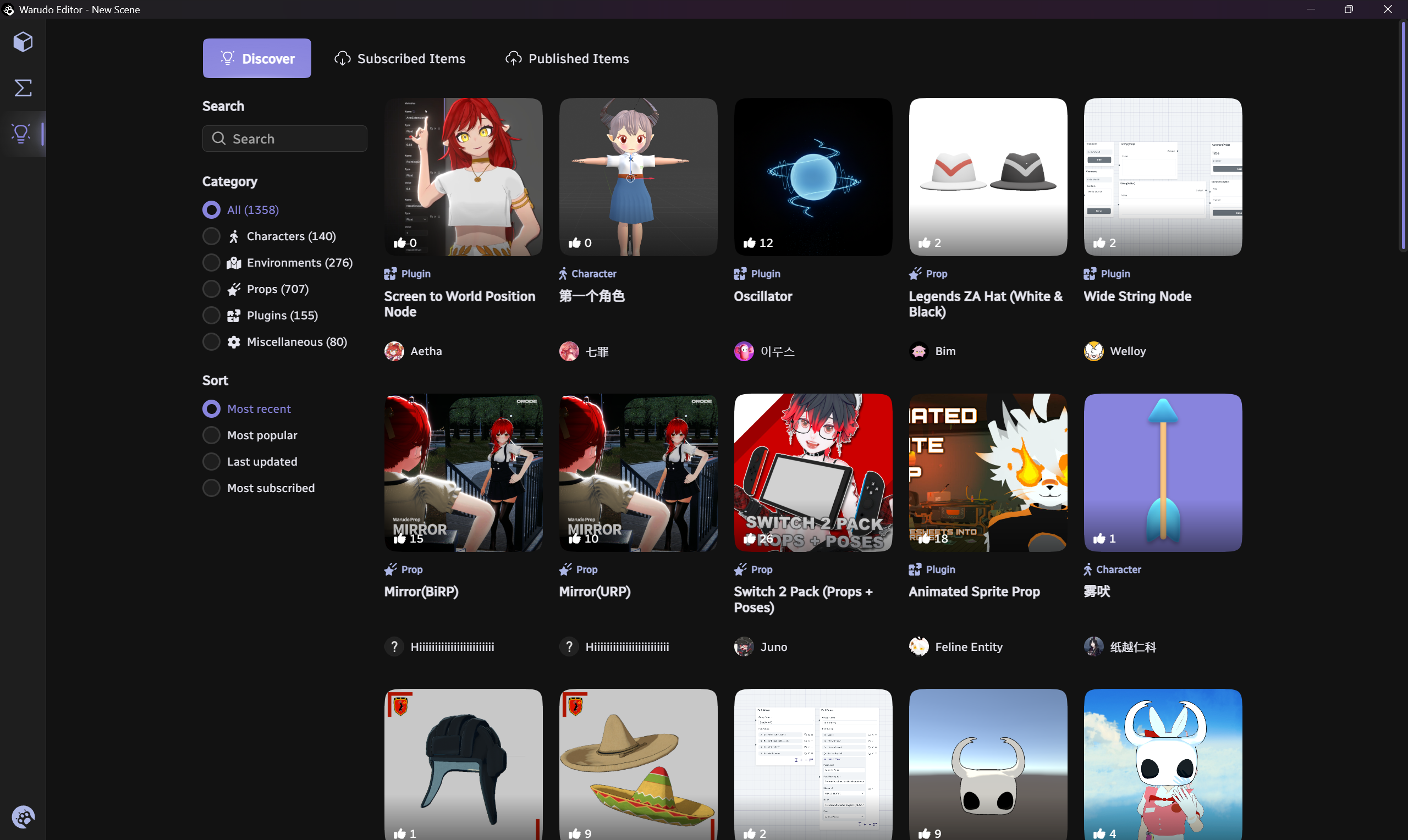
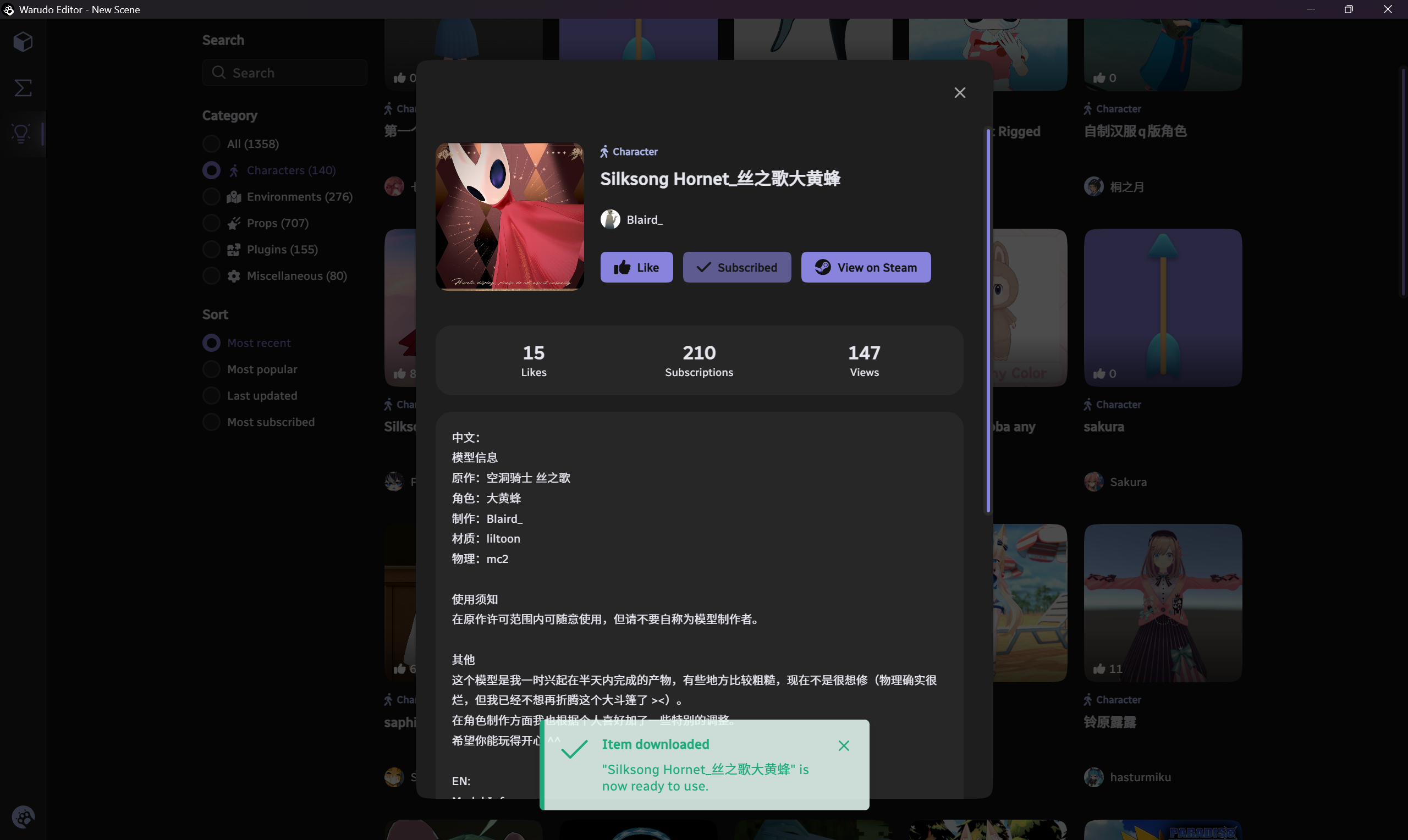
Steam based, takes advantage of Steam Workshop for content sharing while supporting multiple tracking methods and devices.
Best Free Version
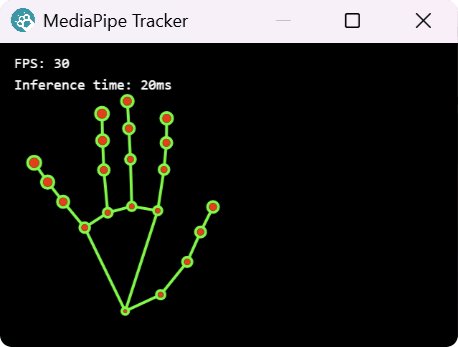
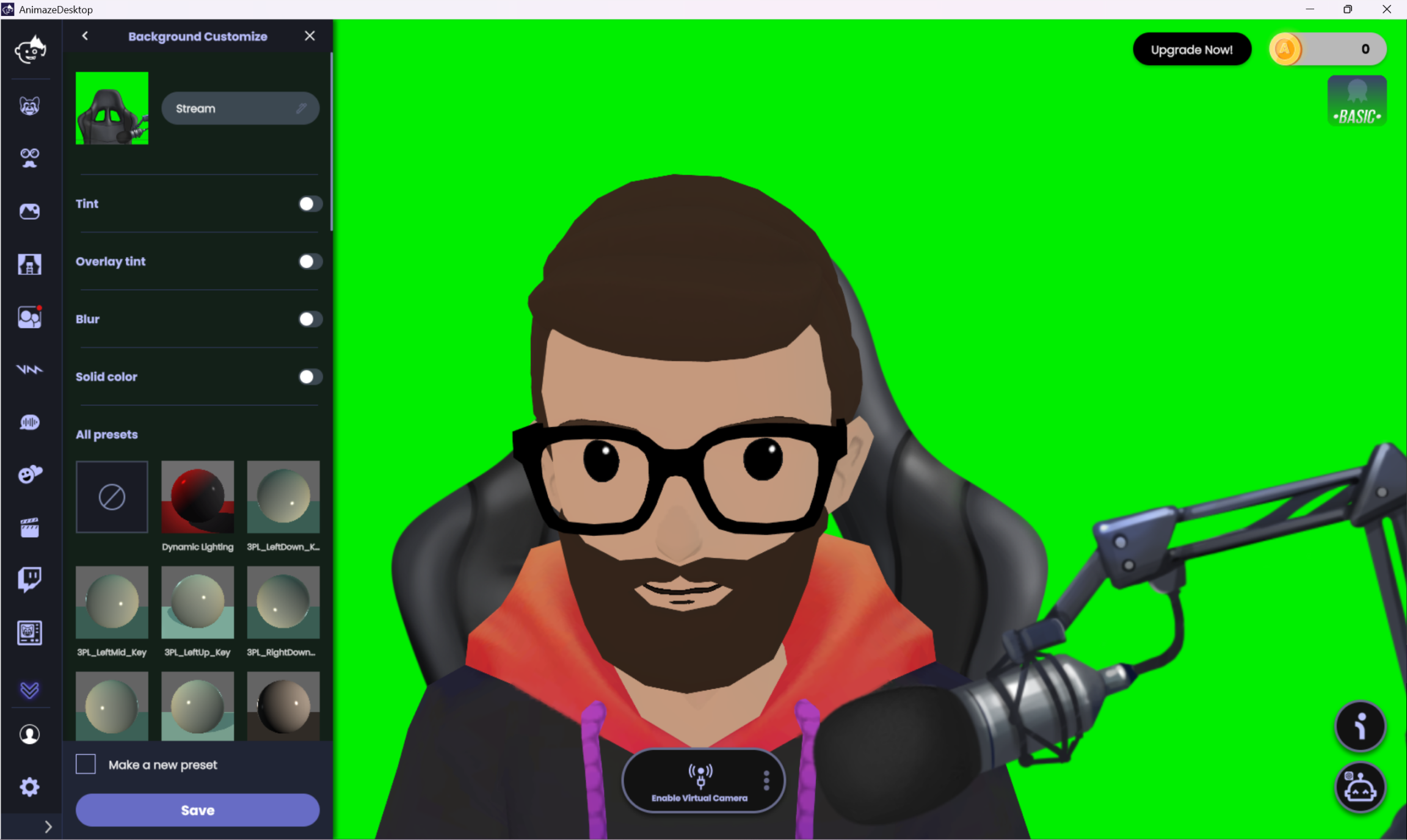
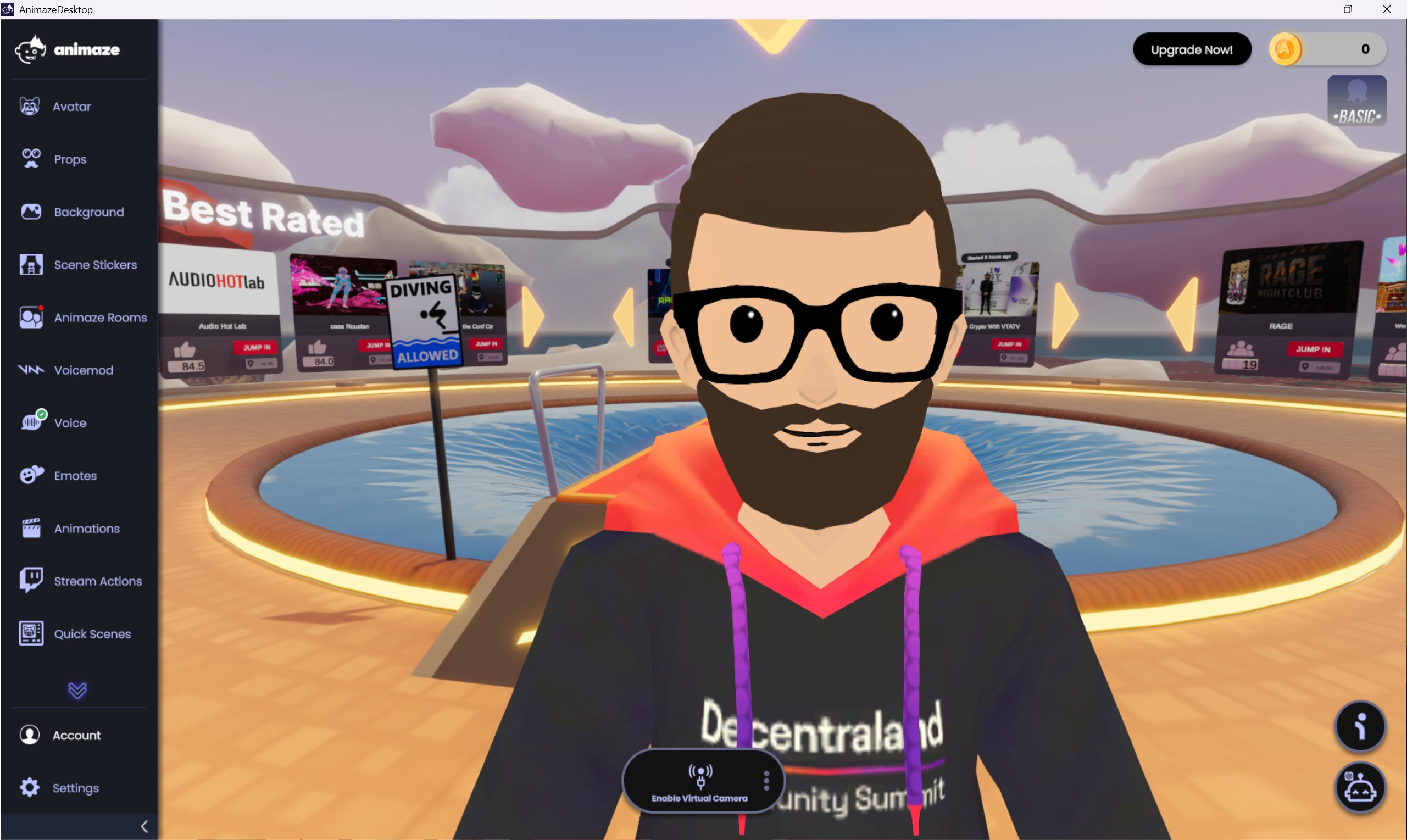
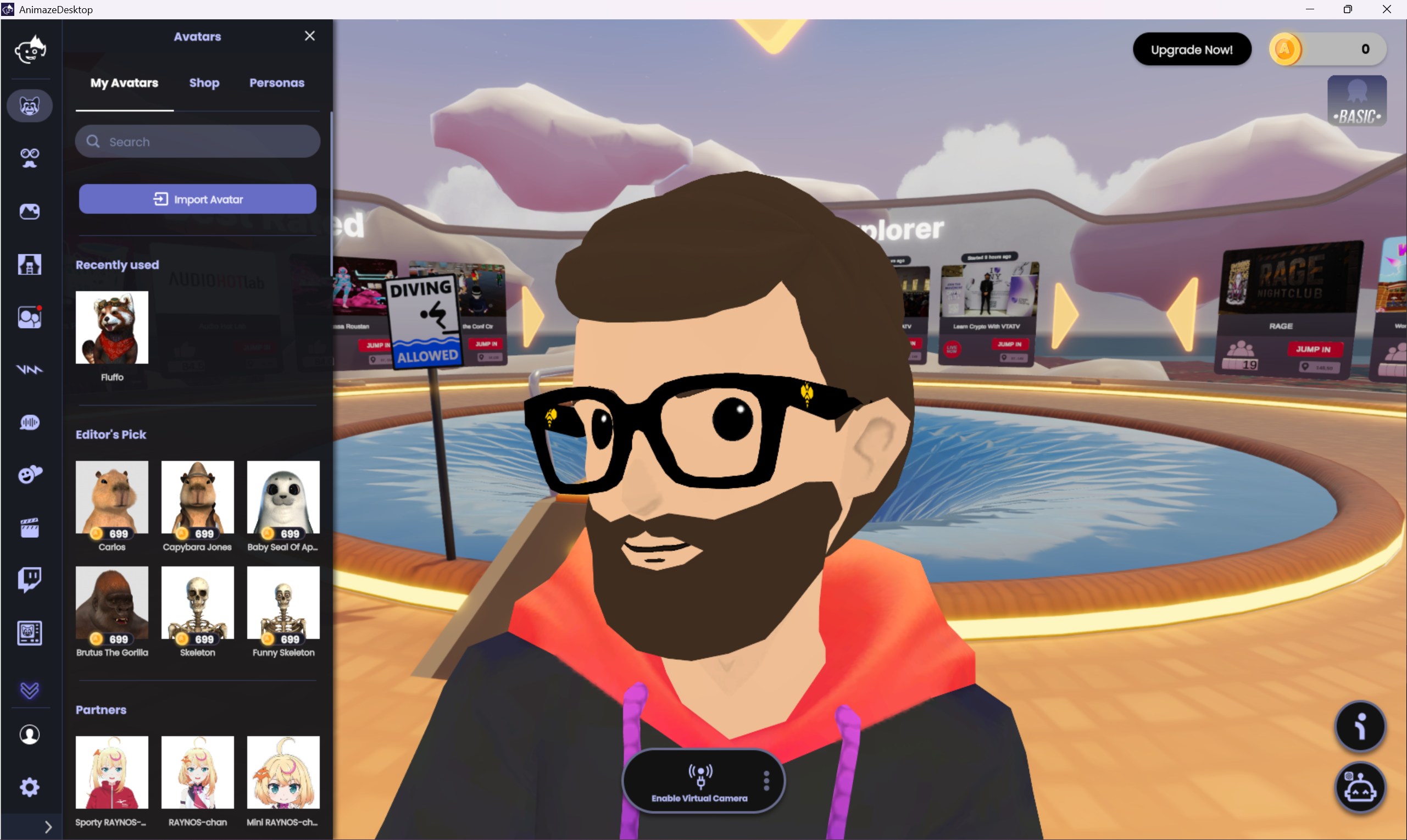
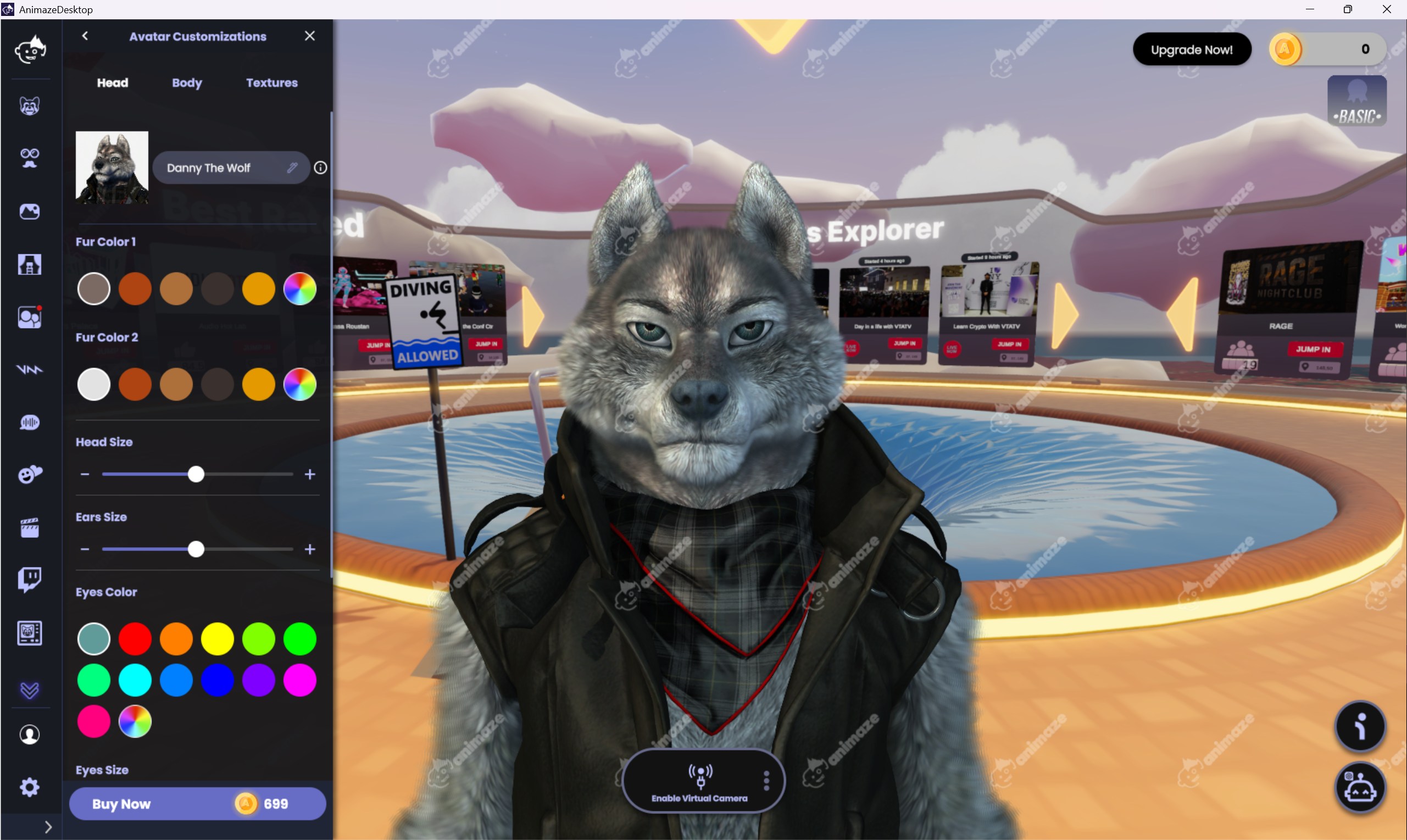
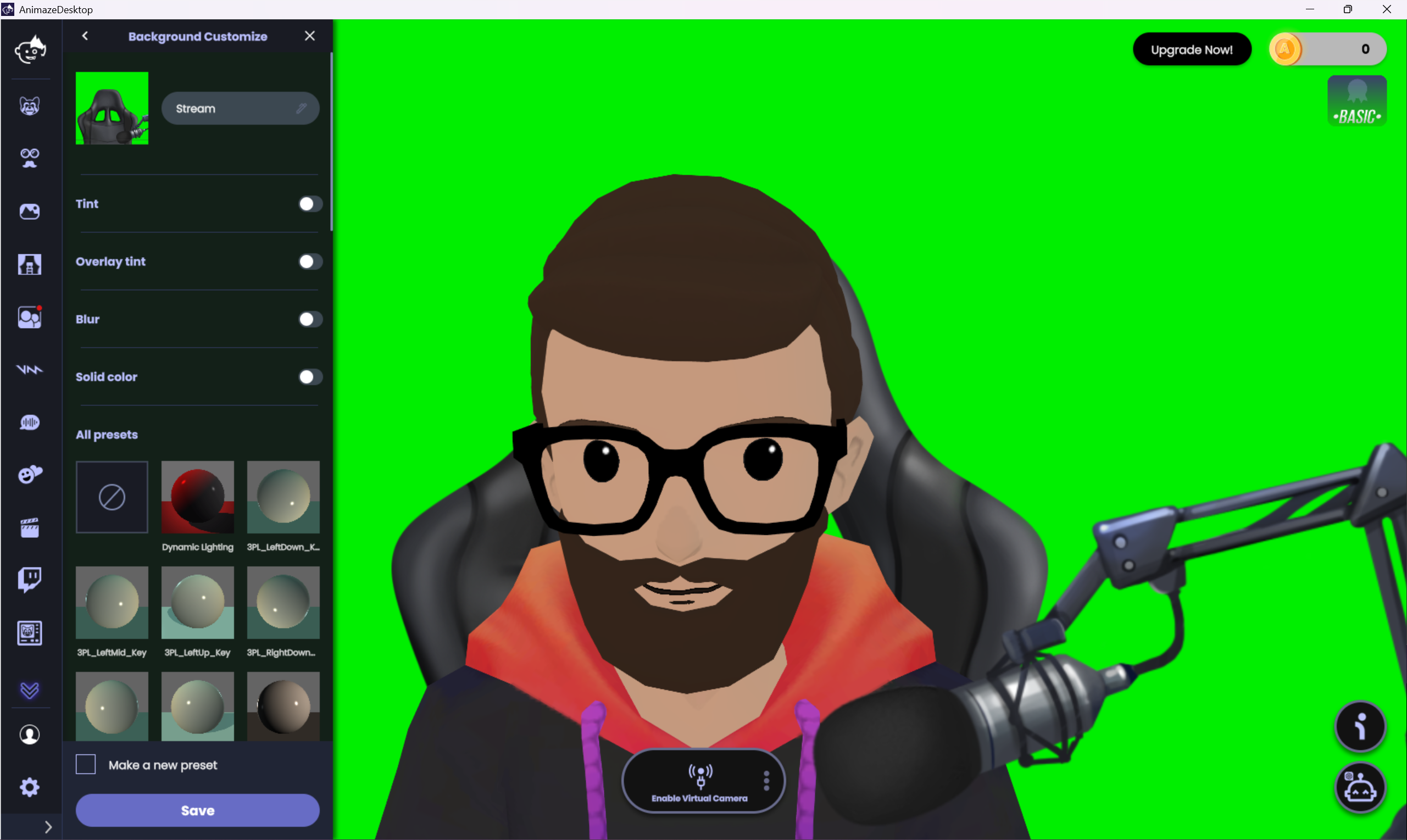
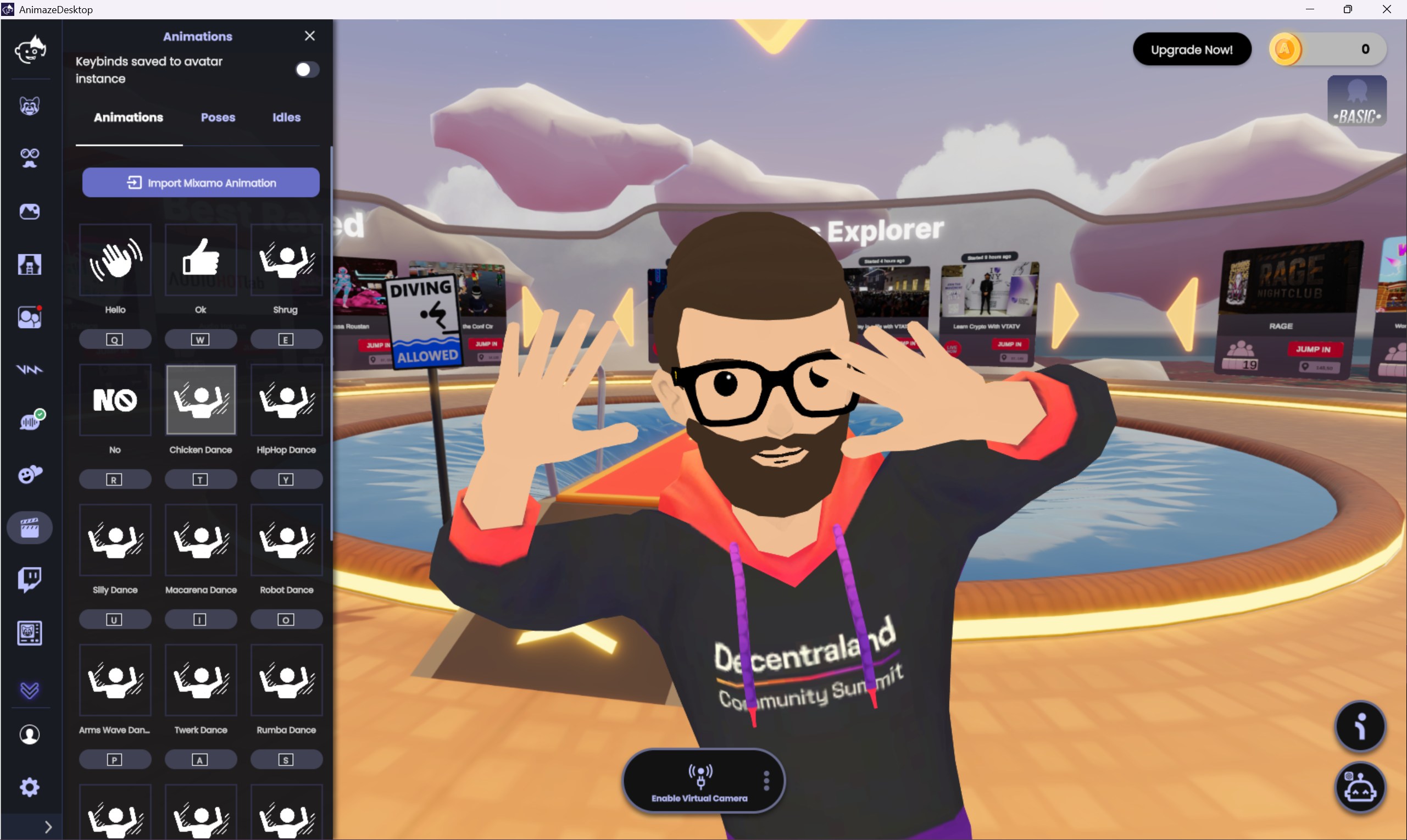
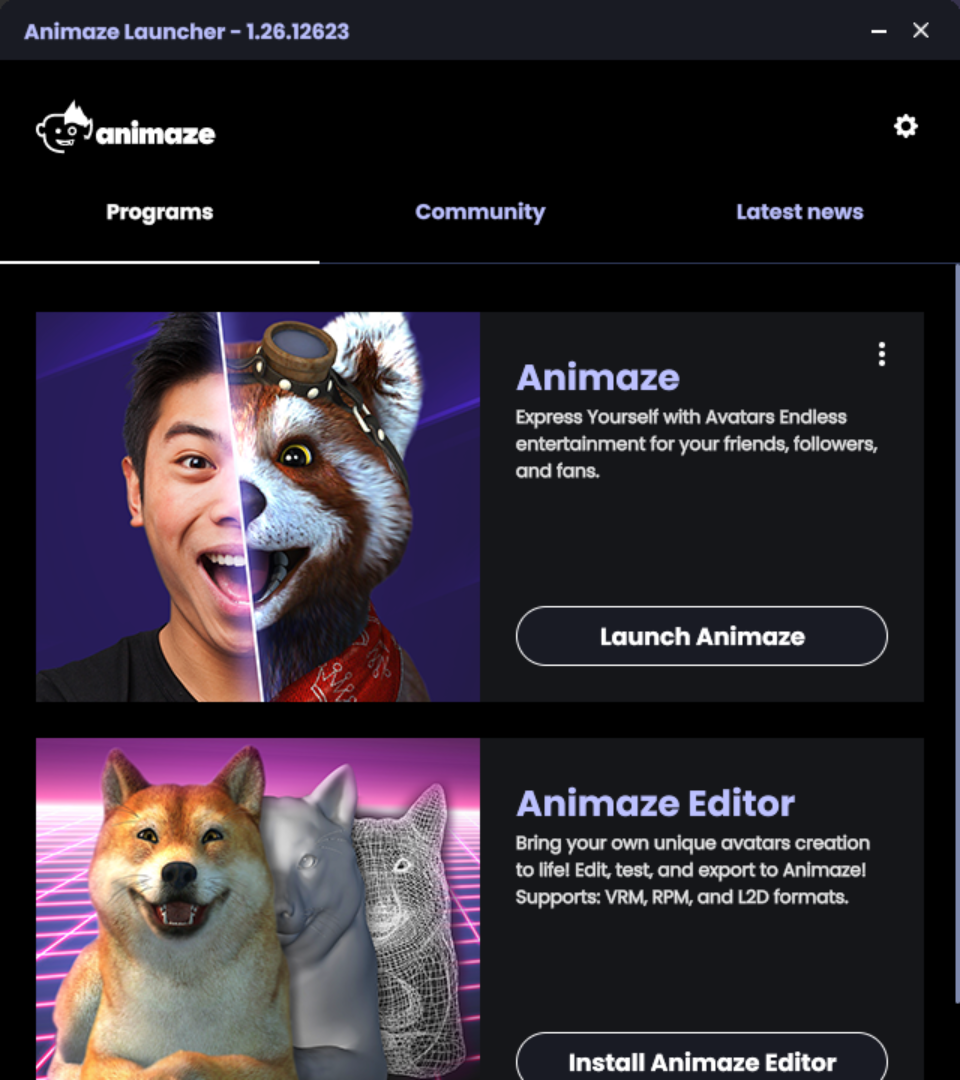
animaze
windows
free and montly paid plans
Split in 2 different Apps, one for Avatar Setup and one for VTubing with multiple content shop options, even it’s own rooms that can be shared with other Animaze users.
Most Feature Rich
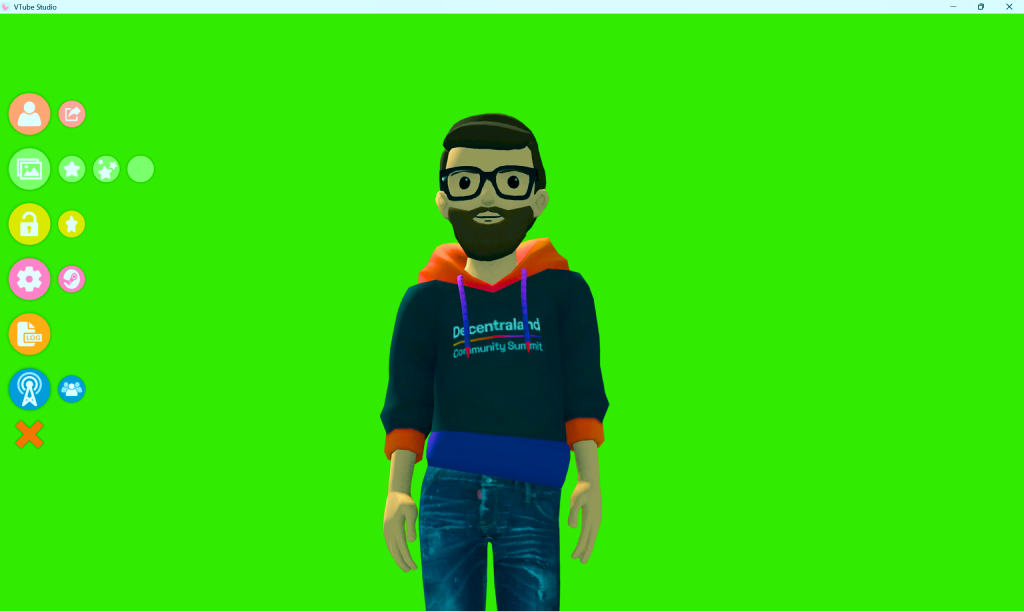
VTube Studio
steam (windows, macos)
free, optional dlc
The most widely used app among VTubers, it relies on Live2D avatars, a distinct category of avatars that some find more expressive and easy to control while much more difficult to setup. It requires using the Live2D Cubism Editor.
Most Recommended by VTubers
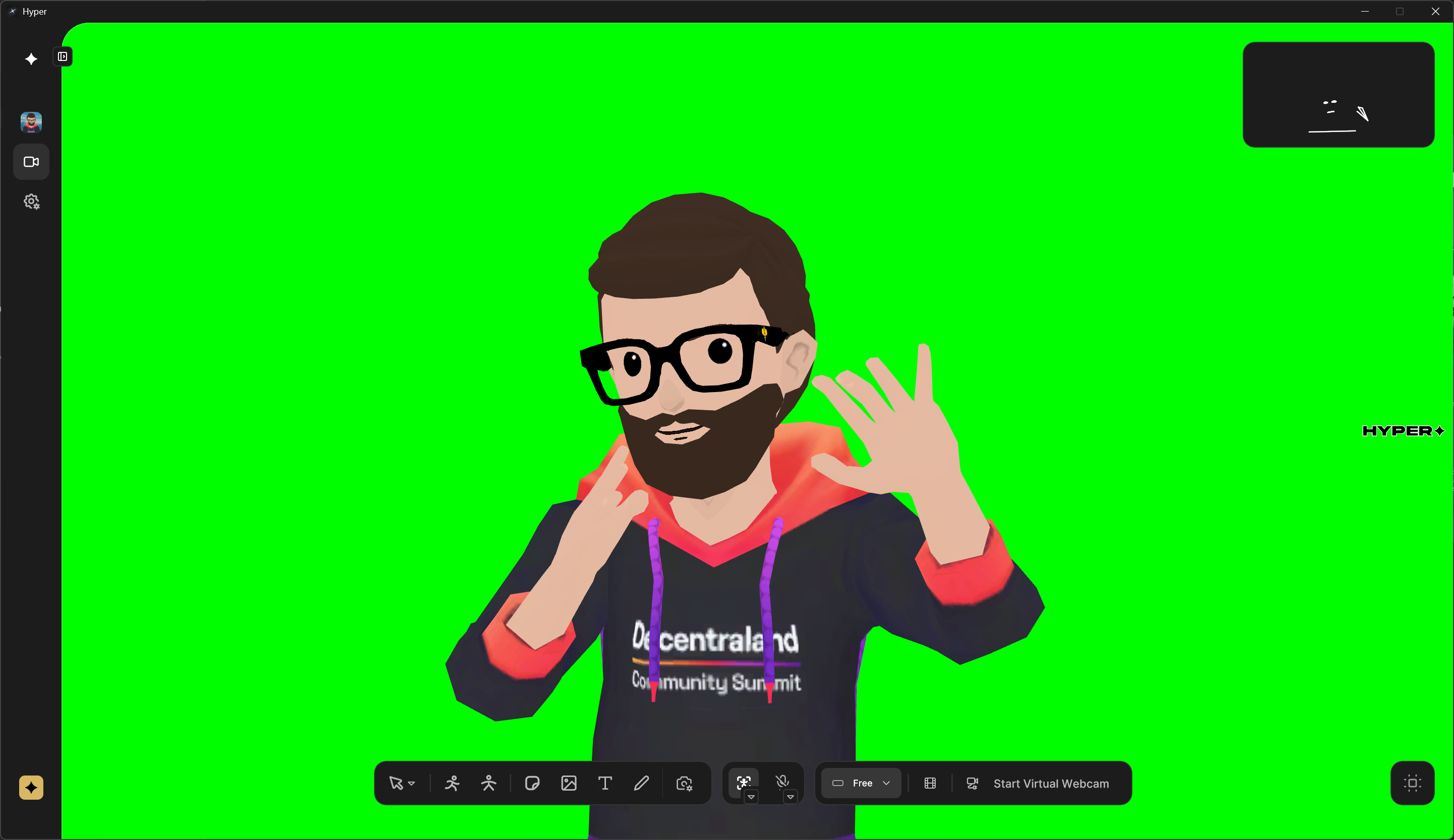
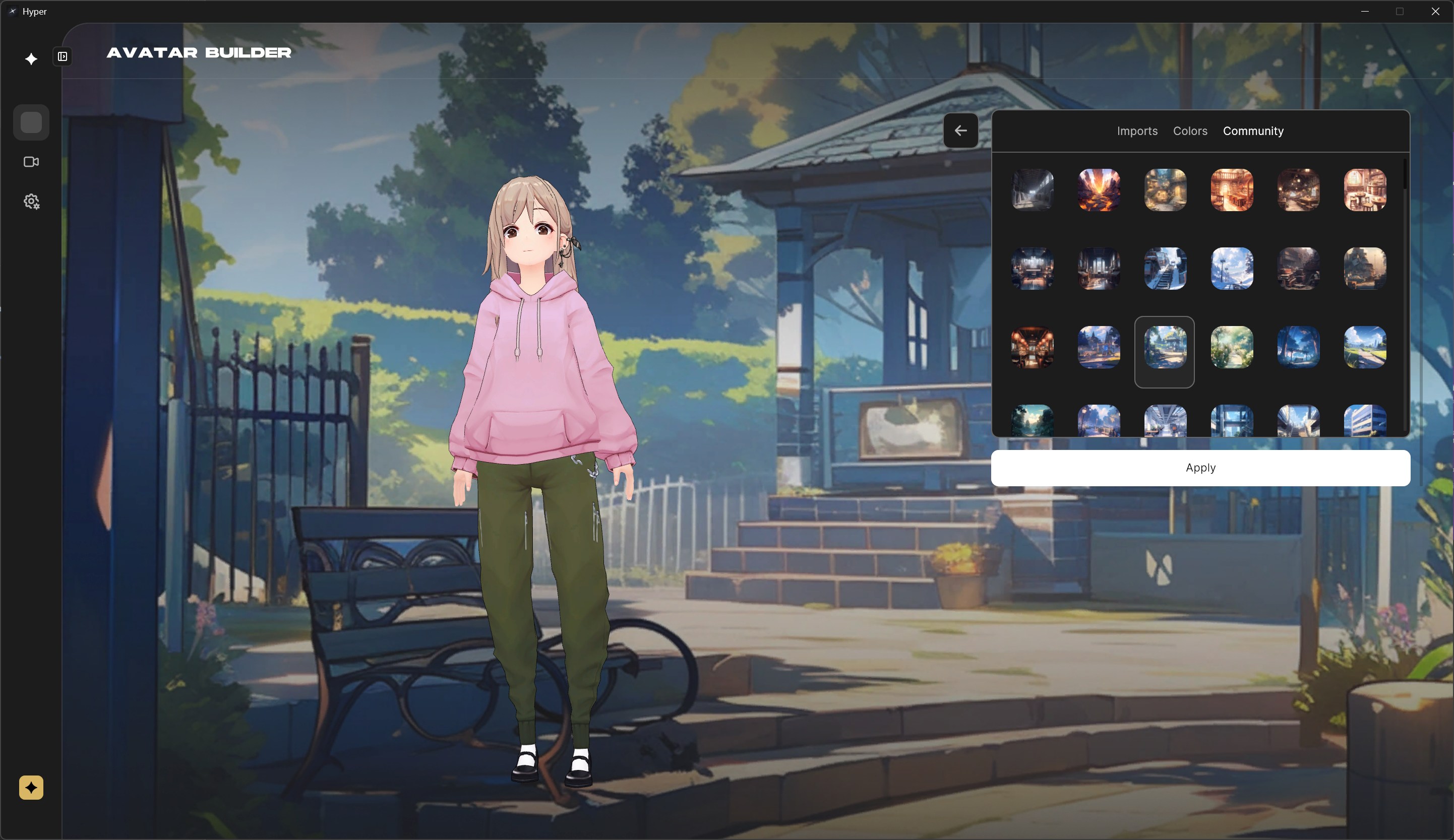
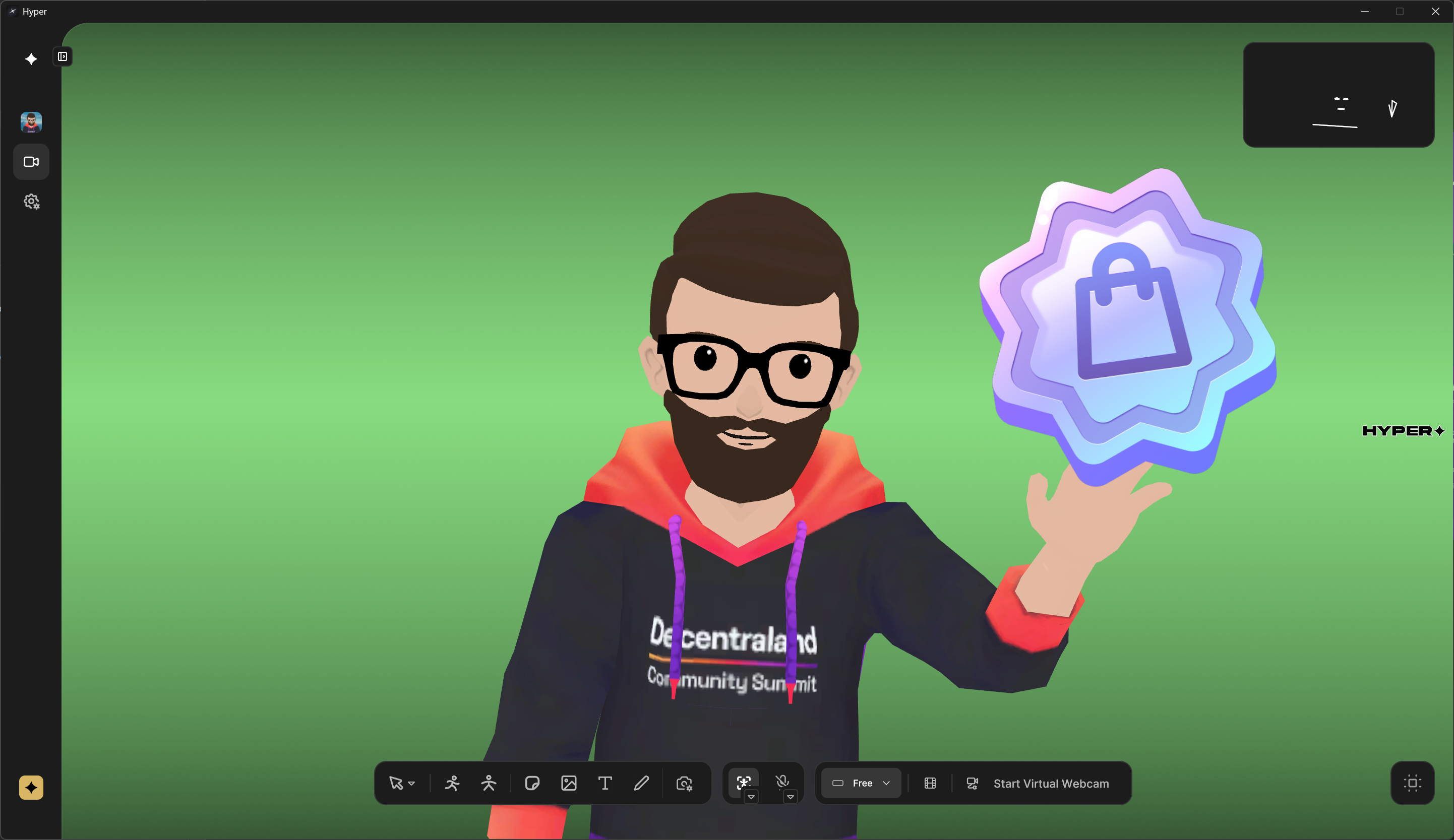
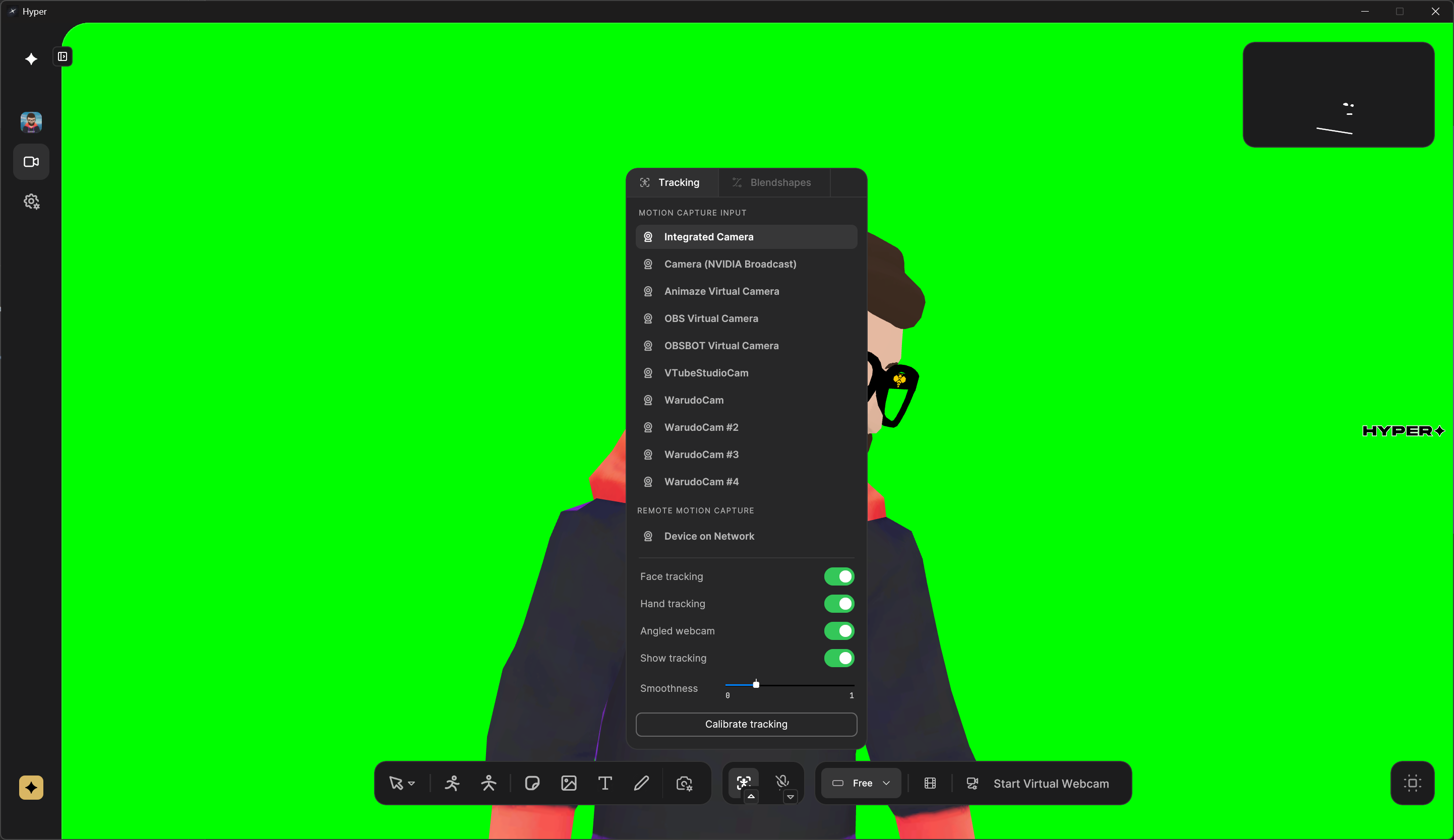
hyper Studio
steam (windows), macos
free, pro
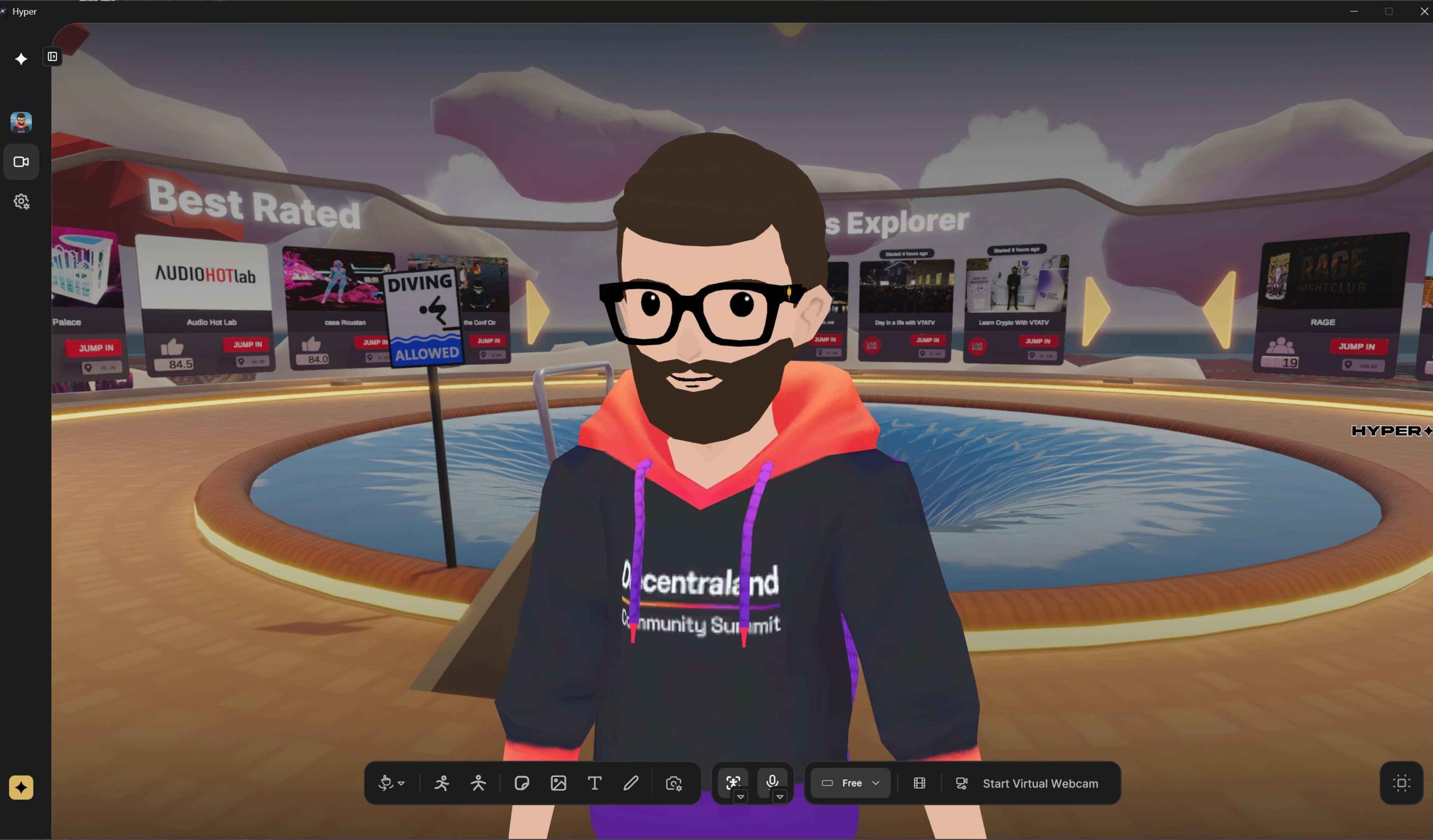
With a very clean UI and a wide range of OBS features, Hyper Studio is a great match for both beginner and expert users.
Most User Friendly UI
Current Market Solutions

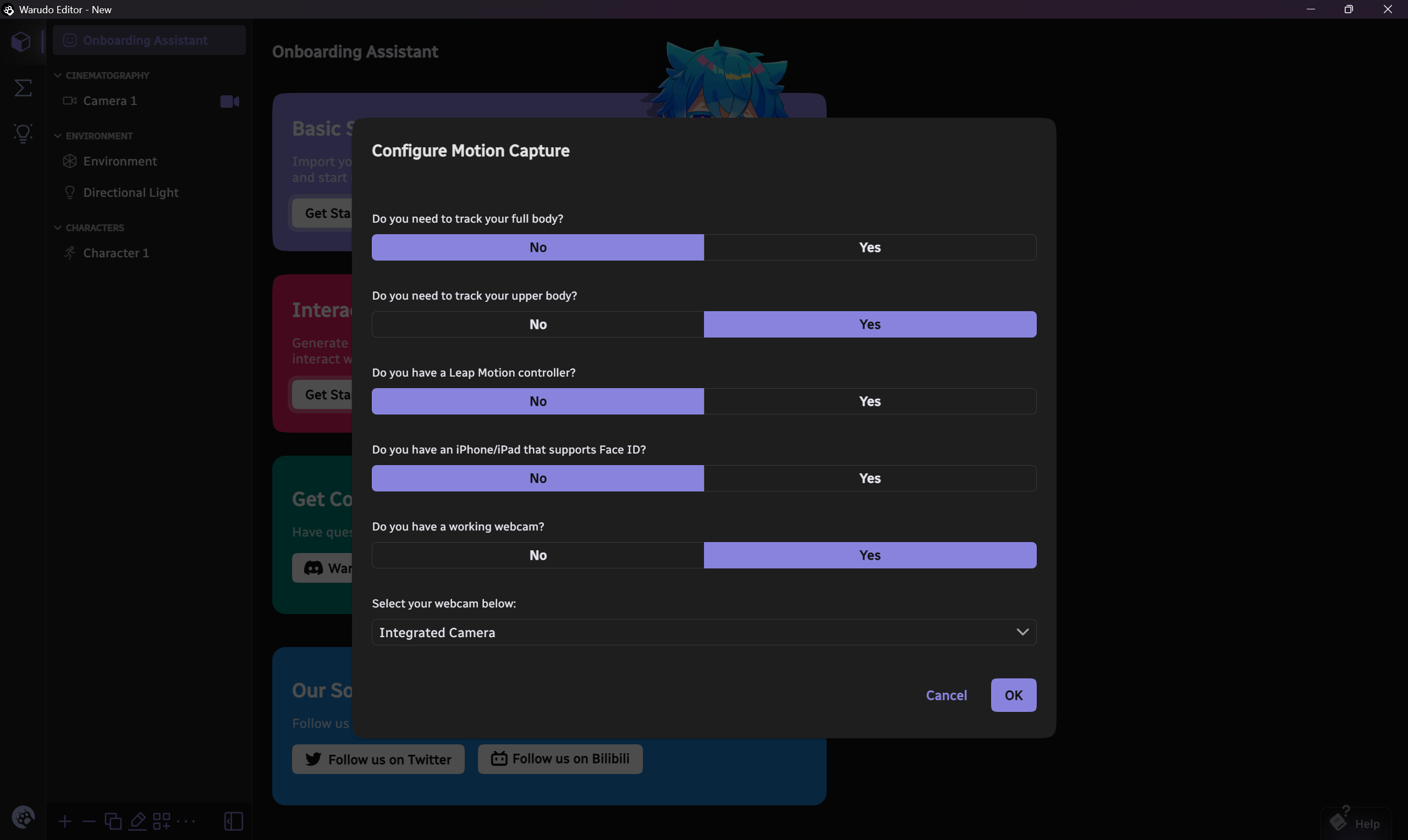
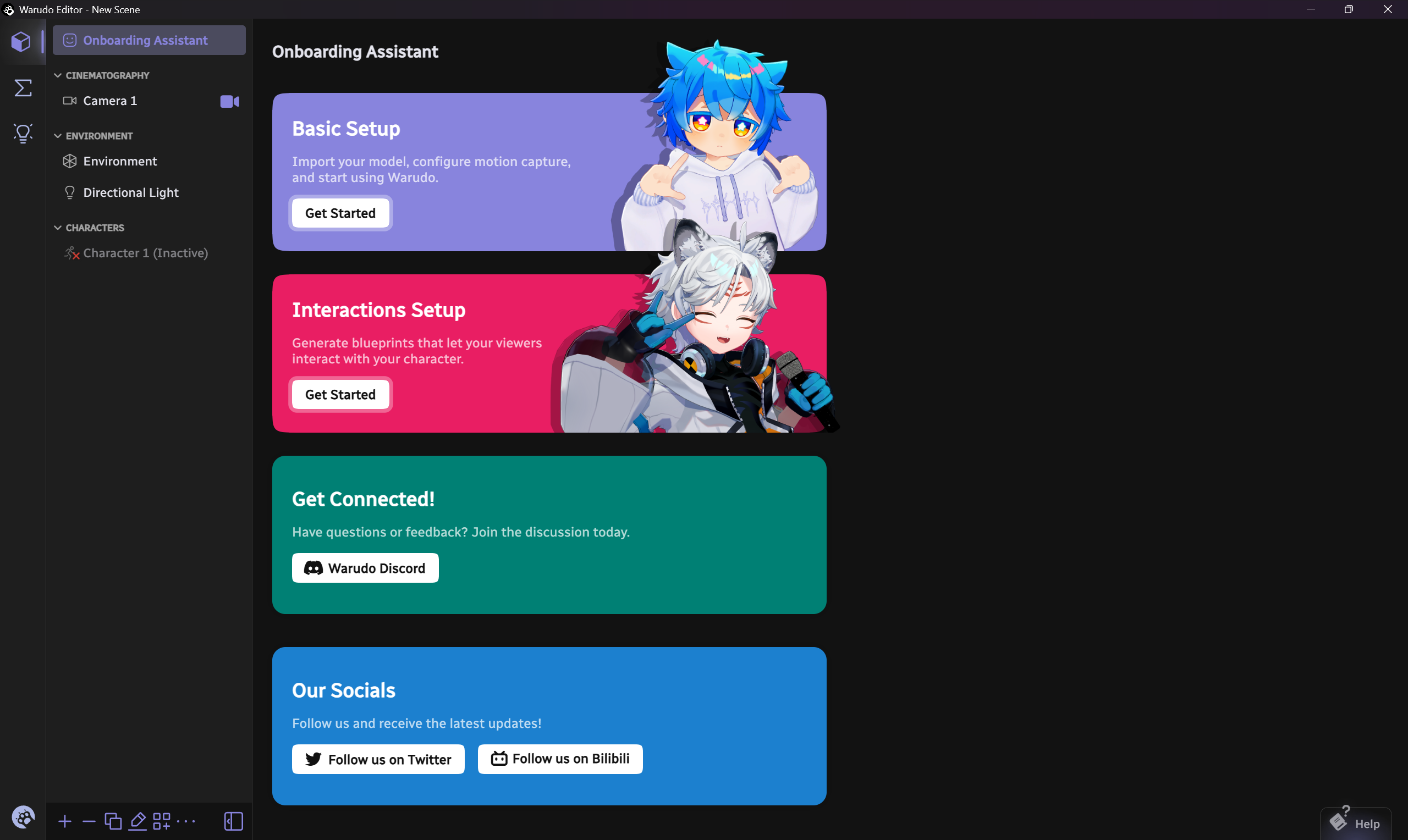
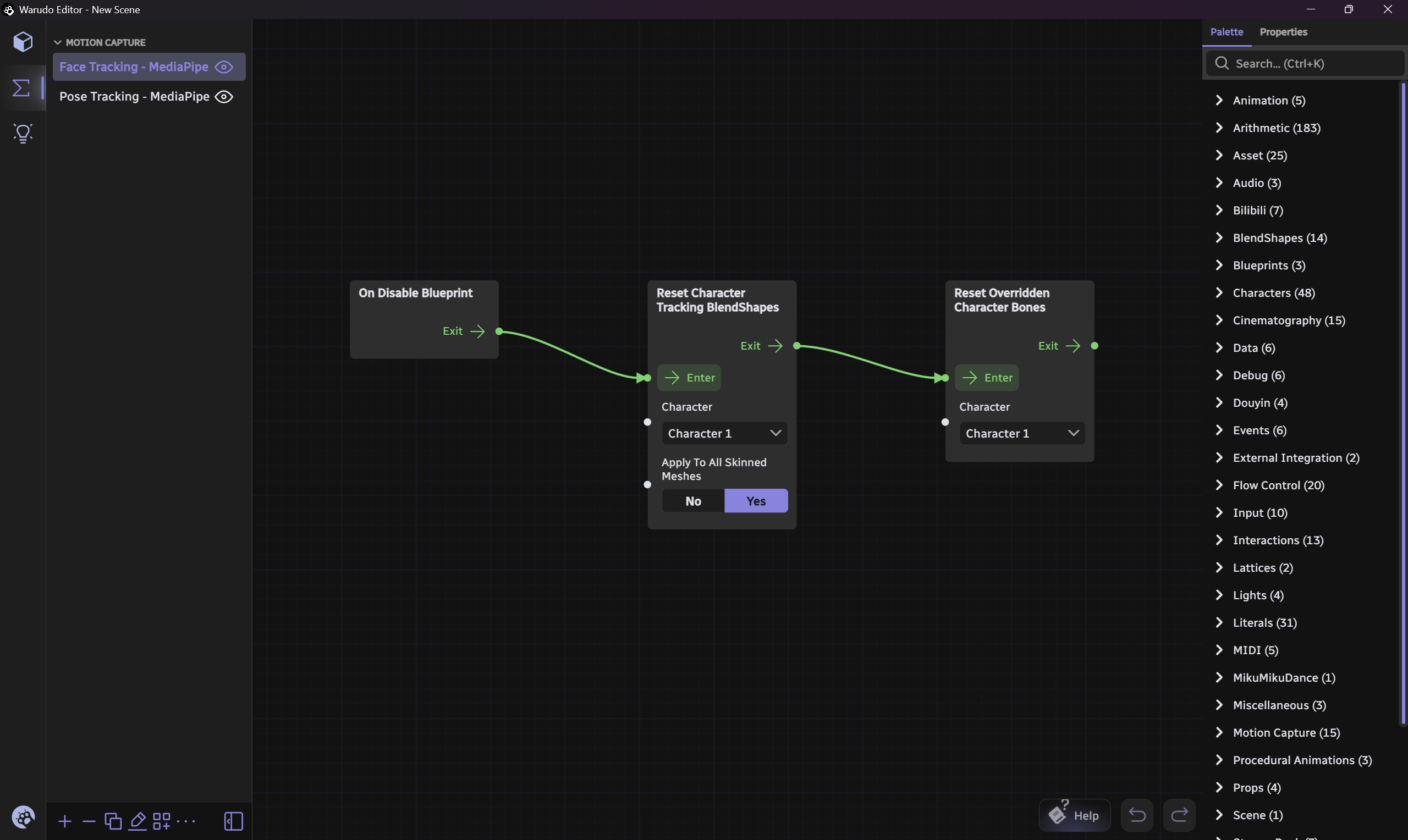
Warudo
URL:
https://warudo.app/
Price:
Free for Personal Use
Pro Version for Enterprise
Supported Platforms:
Steam (Windows)
- Fully featured free version
- VRM support and capture options
- Steam workshop integration
CONS:
- Windows only
- Steam client required
- Performance and load times could improve
- UI could be less intimidating
Current Market Solutions

Current Market Solutions


Current Market Solutions
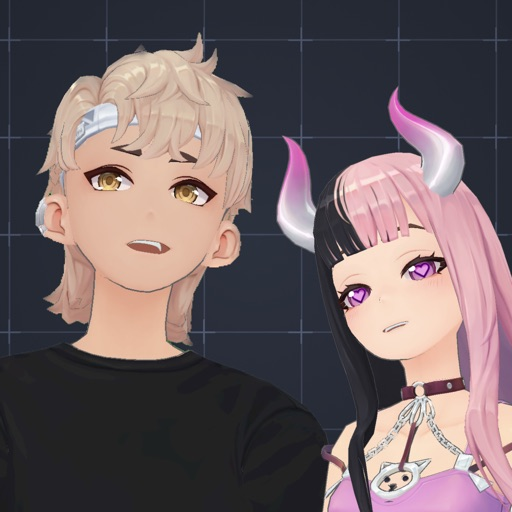
hyper studio
URL:
https://store.steampowered.com/app/2828790/Hyper_Online_Avatar_VTuber_Studio/
Price:
- Free with watermark and some limitations
- Optional DLC
Supported Platforms:
Steam (Windows), MacOS
- Full OBS features
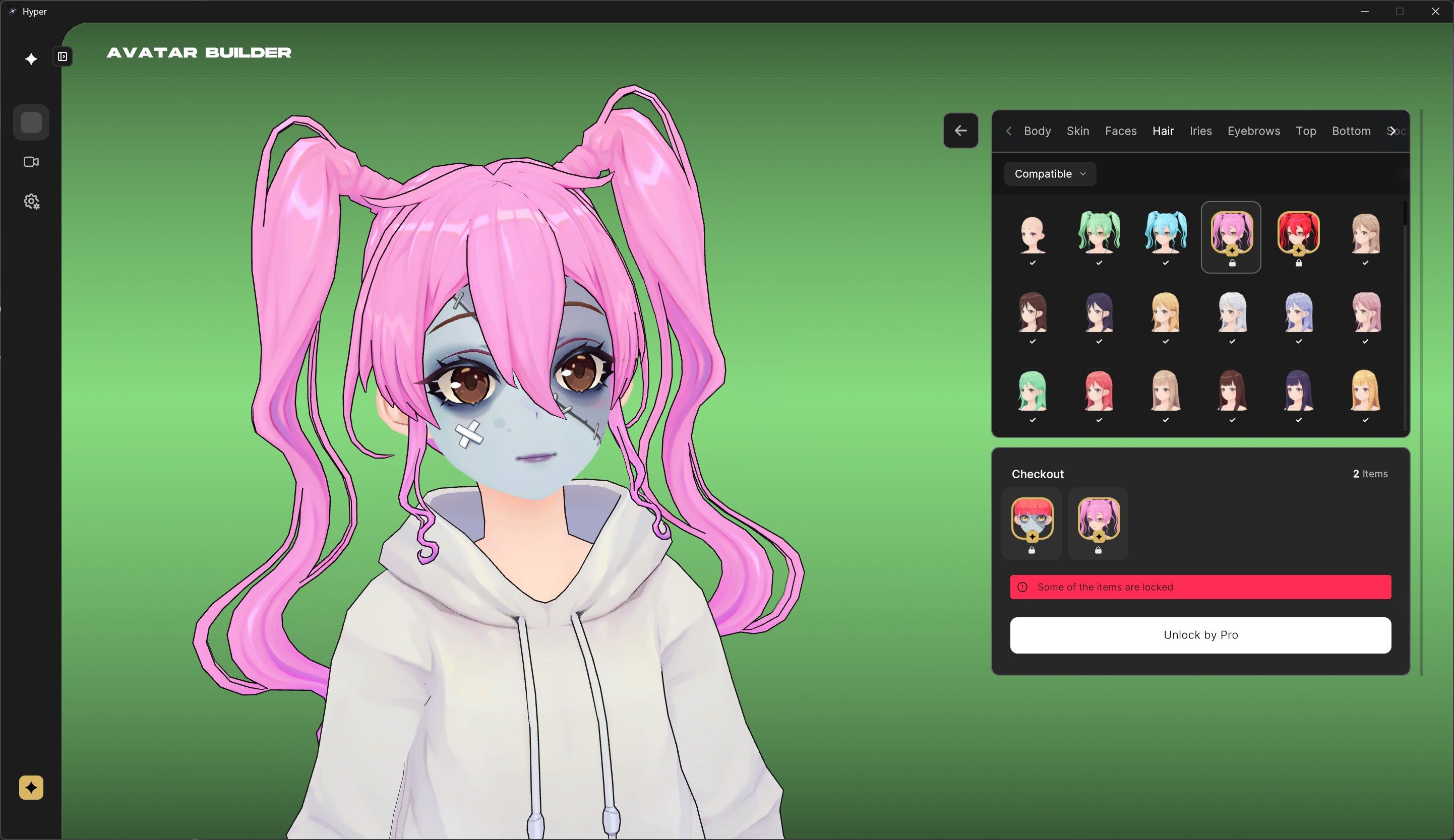
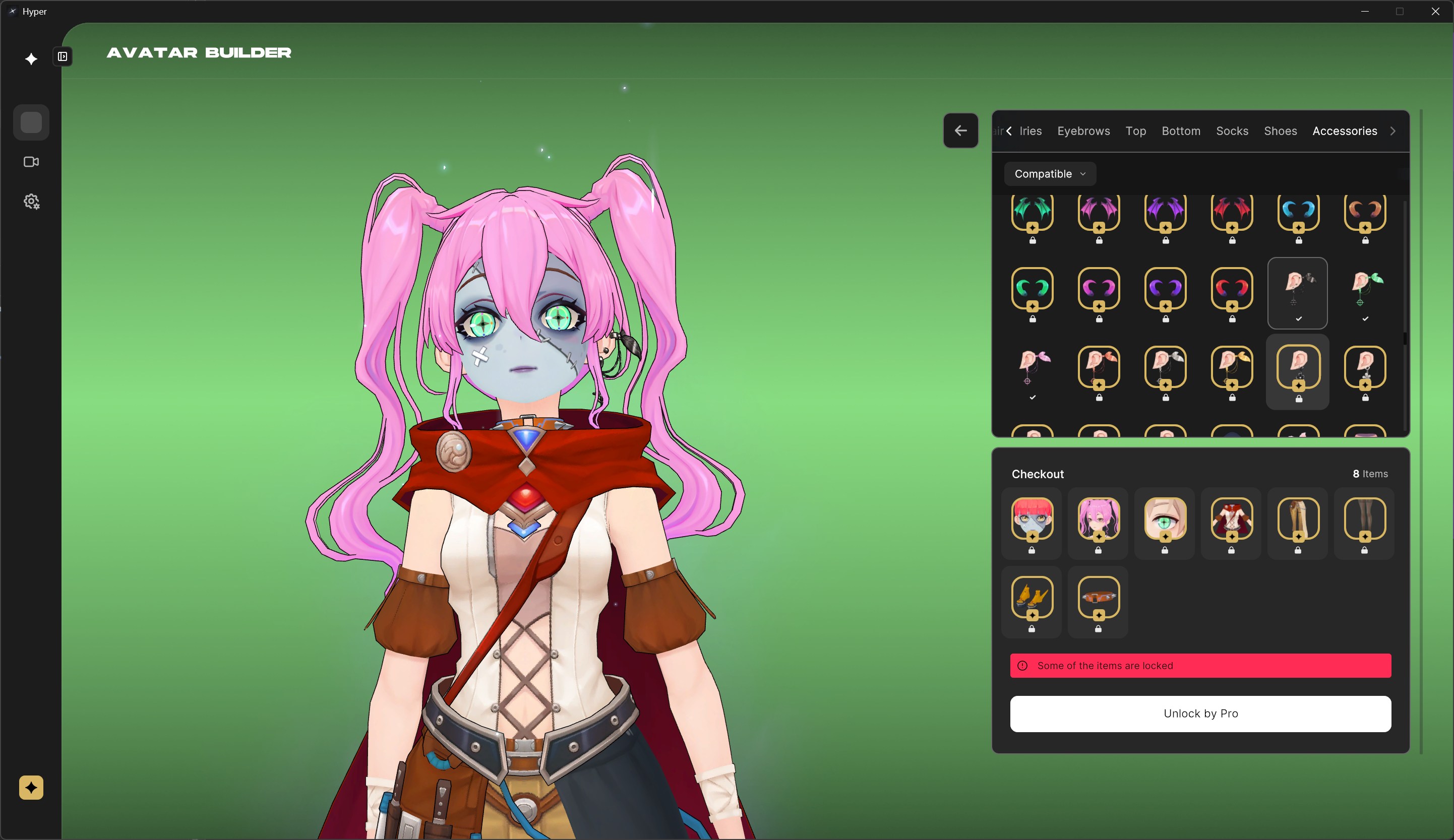
- VRM support and capture options
CONS:
- It’s still on Early Access for Desktop
- Customers complain about losing their customization progress due poor product decisions.
Current Market Solutions
Other apps
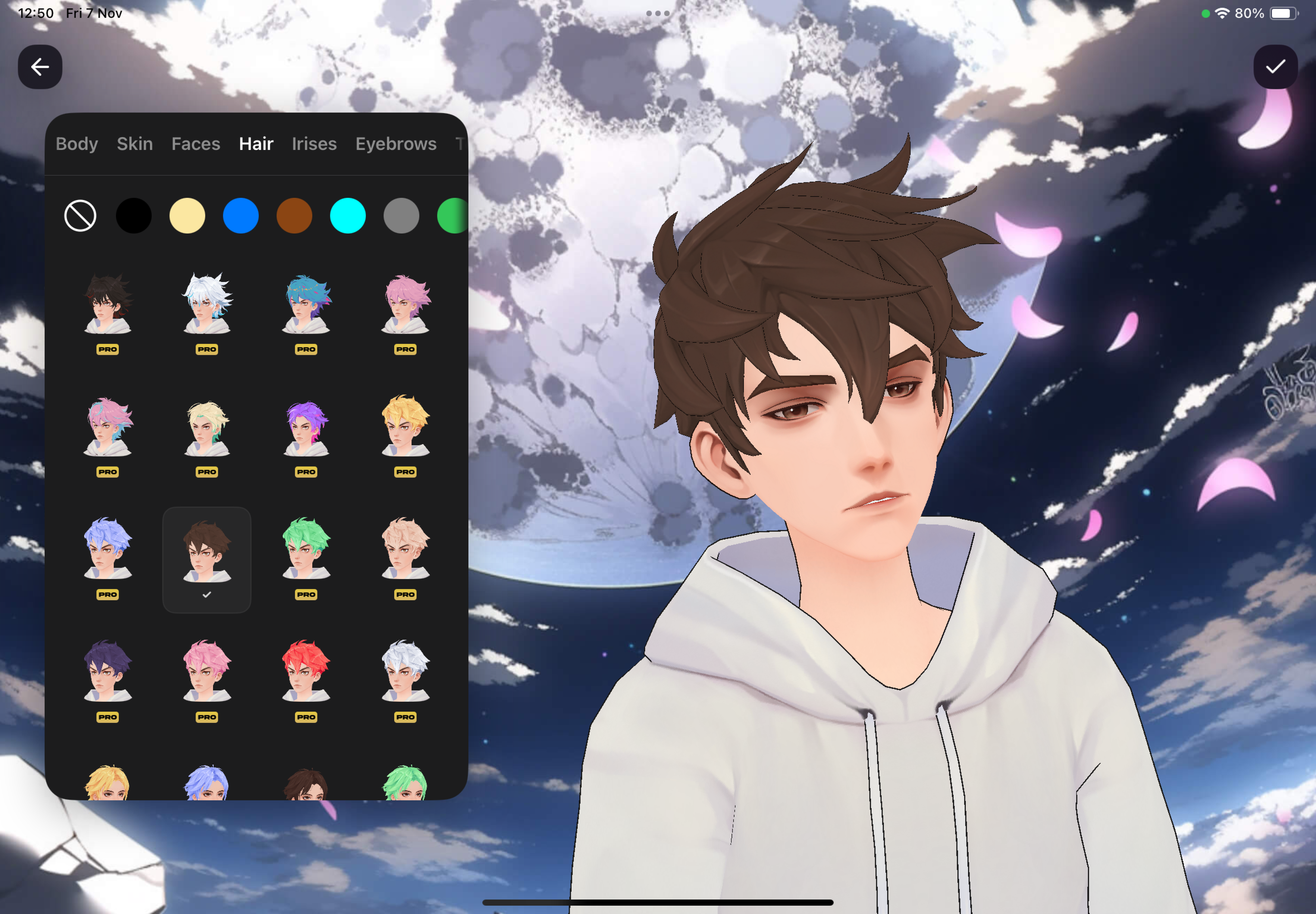
hyper Studio for ios
IOS
free, pro
PROS
- Character customization
- OBS features and mirroring
- VRM support (not perfect) and capture options
Works on iPad, Fully featured
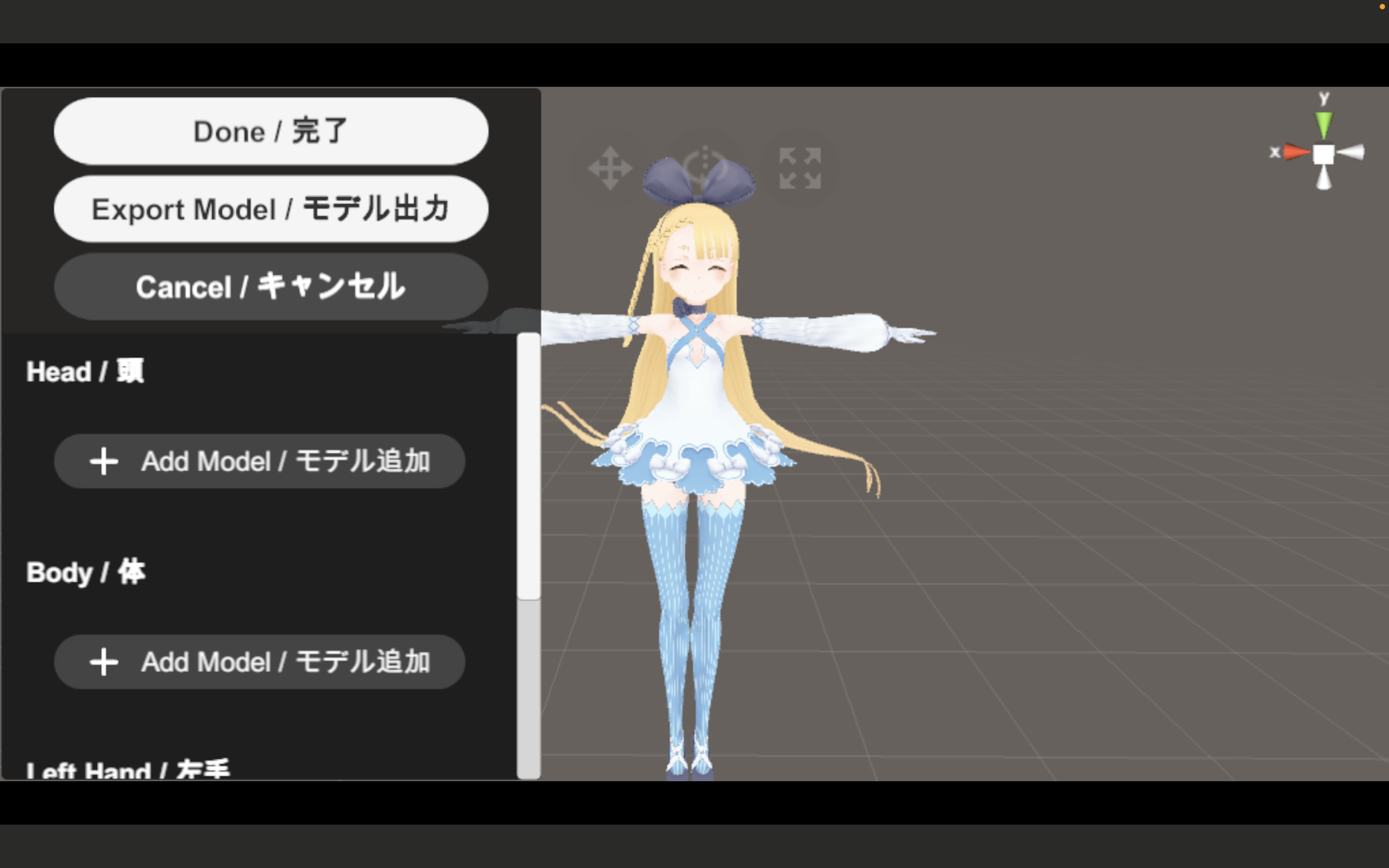
vcam
MACOS
free, paid updates
PROS
- Works on Mac
CONS
- UI more suited for a productivity app
Works on Mac
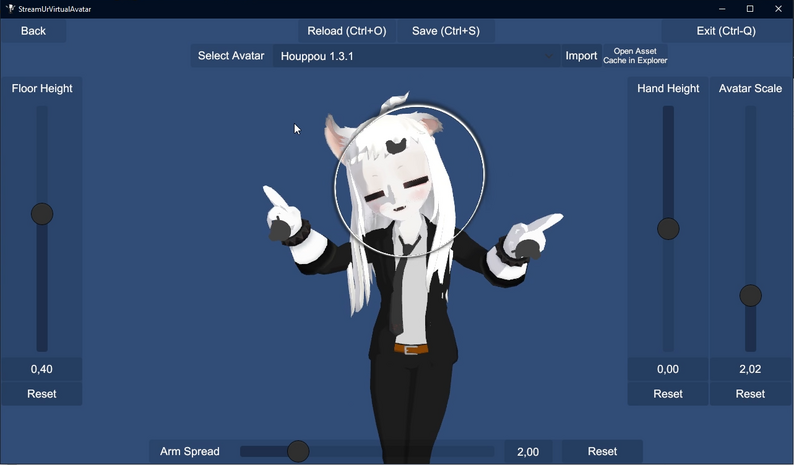
SUVA
steamvr + windows
free, name your price
PROS
- Free full version
- Support multiple tracking options
CONS
- No compatible avatars included
- Requires VR headset or tracking devices
- Requires Unity for avatar setup
VR Compatible
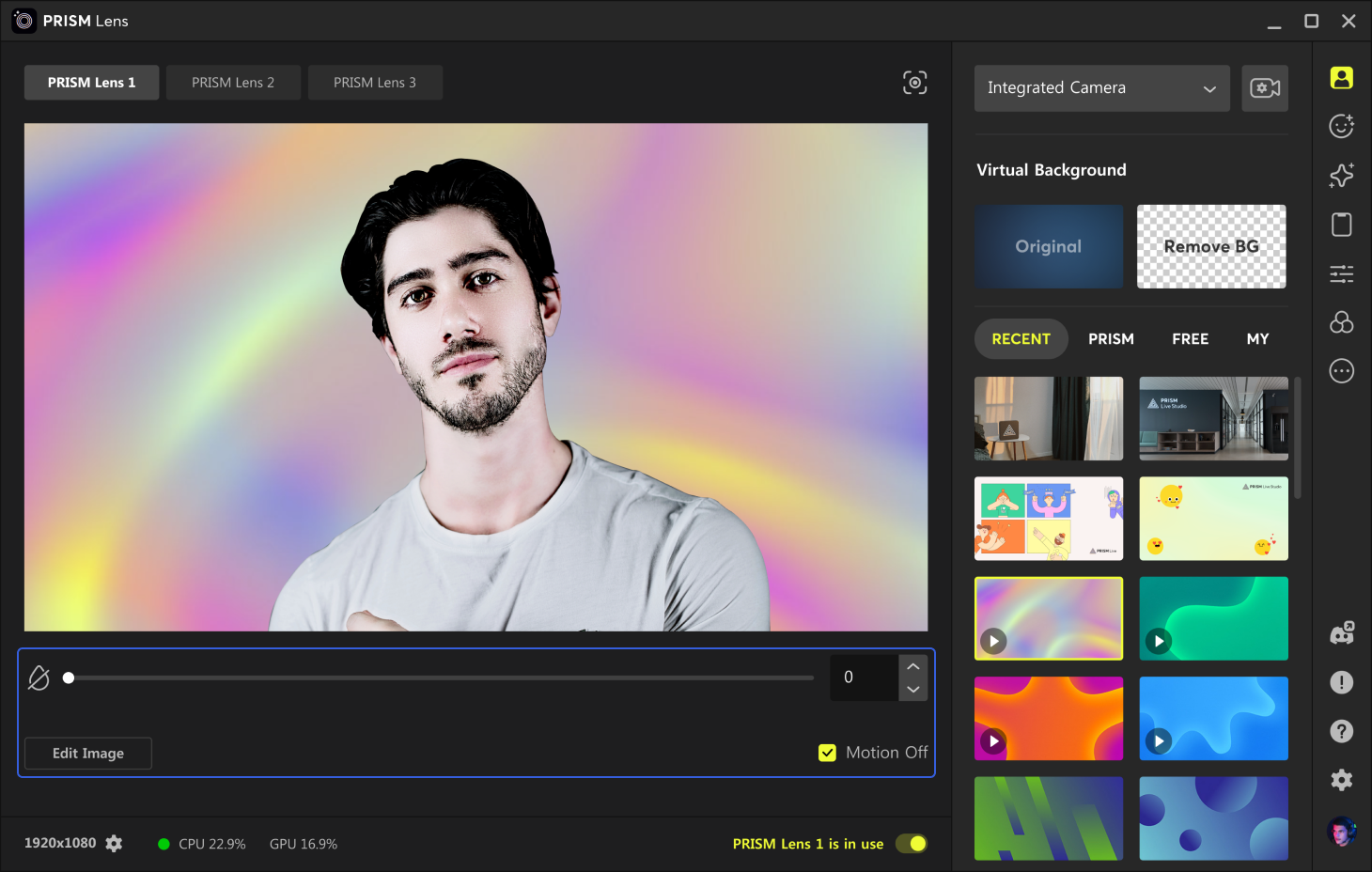
PRISM Live Studio
android, macos
free, plus plans
PROS
- Android support
CONS
- Mostly focused on AR filters
Works on Android Devices
Learnings
Feature duels
free software
vs.
paid features
Expert users are able to thrive using 100% free options.
Some Average users would probably pay for a better experience without watermarks.
Beginner users that are willing to pay will mostly do it for additional content.
windows
vs.
other platforms
Streamers in general are more inclined to use Windows vs. MacOS in part thanks to its better management of audio sources.
While mobile devices are totally capable of displaying a virtual avatar and tracking their movements, Mobile VTubing is less common than Desktop.
Because of how phones and tablets handle screen sharing and multitasking, Mobile VTube apps require OBS features to match up their Desktop counterparts.
CASUALs
vs.
PRO VTUBERs
Casual users are more likely to use VTubing just for fun rather than for producing content.
Casual users could benefit from all in one solutions like the ones mobile versions applies.
Adopting a VTuber solution requires some tinkering with the default camera settings. This applies to both Casual and Pro users but Professionals are used to this high effort solutions.
Pro VTubers are more likely to combine multiple tools to achieve better results. Examples: OBS with chroma key or spout2 plugins, Voicemod, Other plugins and Tracking devices.
Feature duels
2d avatars
vs.
3d avatars
Nice 2D Avatars could be very expressive but difficult to create and set up. The often require external tools to transform an image to a ready to use avatar.
There is a limited number of free or paid 2D avatars that can be downloaded and used.
3D avatars are easier to use. Users can import almost any model.
DCL avatars are already 3D.
built-in assets
vs.
import files
In-app marketplaces are the easiest way to add new content and help app monetization.
Being able to import external assets marks the difference between casual users and those building a digital identity.
Importing assets doesn’t seem to compete with the use of in-app content for average to beginner users that are less likely to sideload files.
built-in animations
vs.
motion tracking
Lip sync and head movements help establish a connection between the virtual avatar and the real person behind it.
Built-in animations are more effective when used alongside tracked movement.
Webcam based motion tracking may be less accurate but is accessible to almost all users.
VR and tracking devices are too niche.
General Strengths and Weaknesses
Free tiers and User-friendly monetization models.
Good variety of customization options, such as changing the background, adding props, and modifying your voice.
Lots of readily available avatars to use with motion tracking and lip sync.

Basic VTubing features are already widely available for free.
Installing a separate app is required.
Setting up a Virtual Camera and using it within a call will be always counter-intuitive.
Built-in avatar customization is limited outside adding props and shop items.

Virtual identity seems more a matter of overcoming technical challenges than curating personal decisions.
Audience
Hypothesis
Choose your Audience
Hypothesis

Offline Observers
Creative Hobbyists
Offline Observers
Community Members
web3 Enthusiasts
Offline Observers
content creators
tech introverts
art
hackers
Offline Observers
Choose your Audience
Hypothesis
Offline Observers

Creative Hobbyists
Offline Observers
Community Members
web3 Enthusiasts
Offline Observers
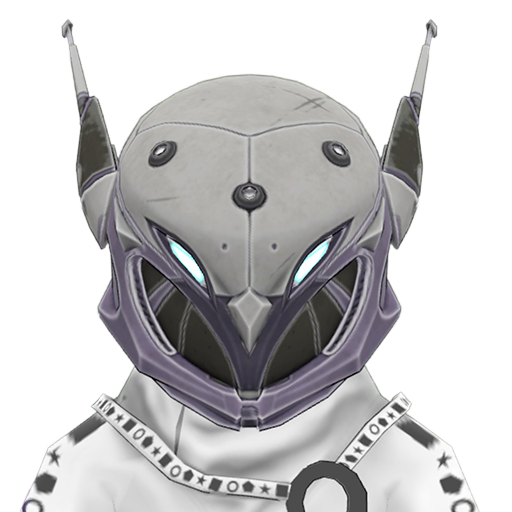
content creators
tech introverts
art
hackers
Offline Observers
Choose your Audience
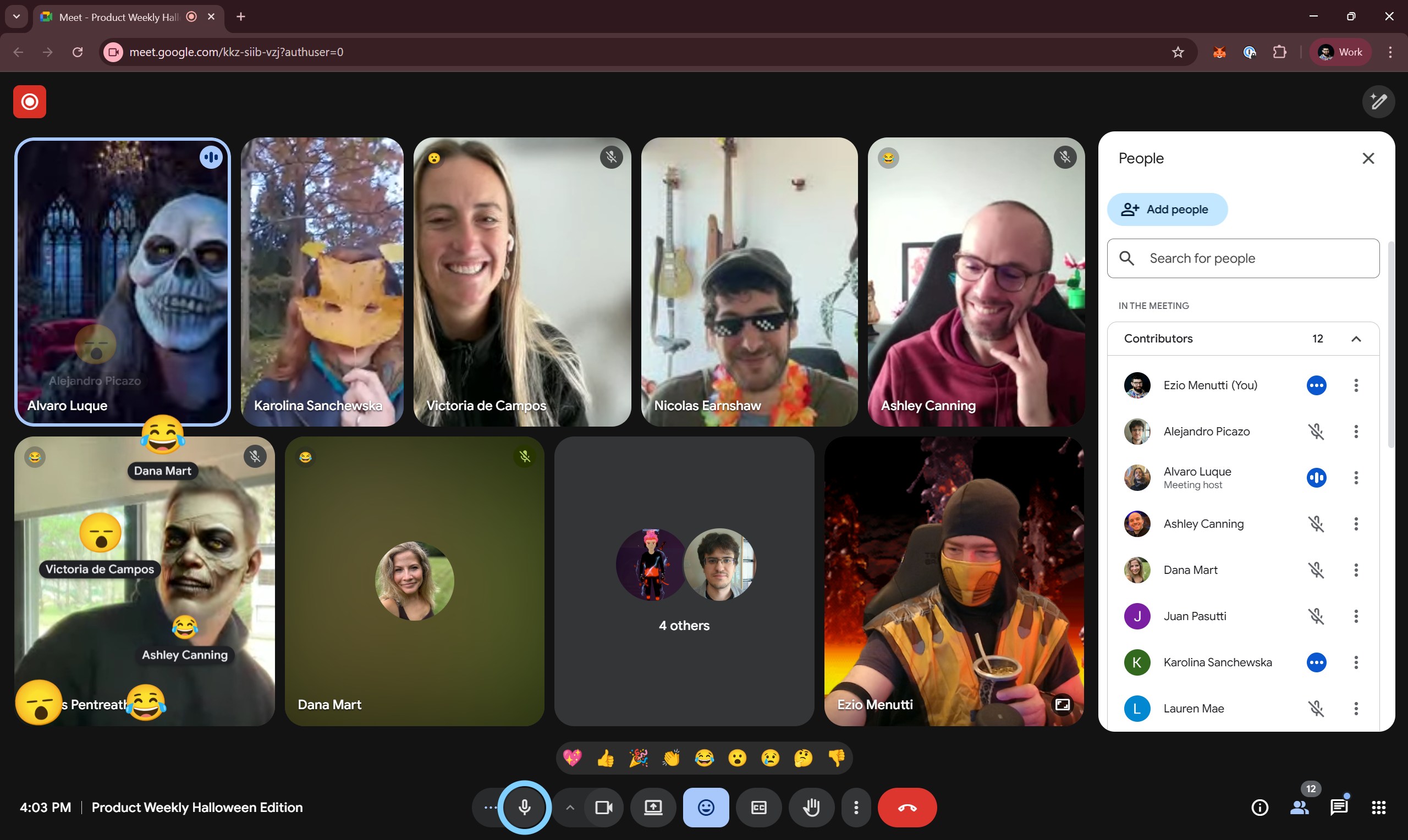
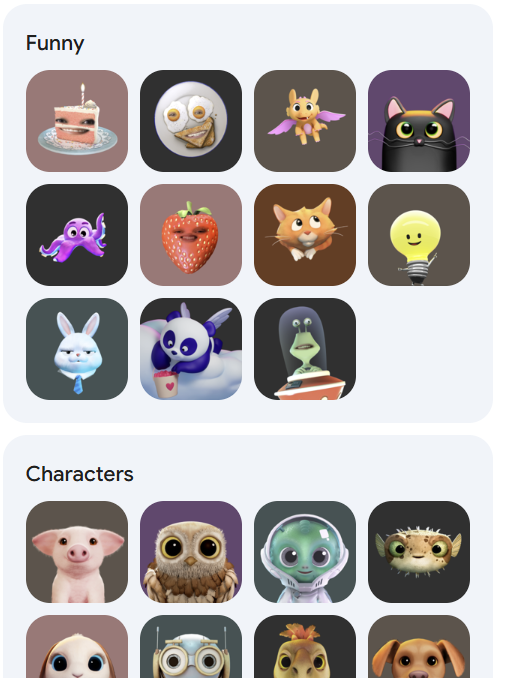
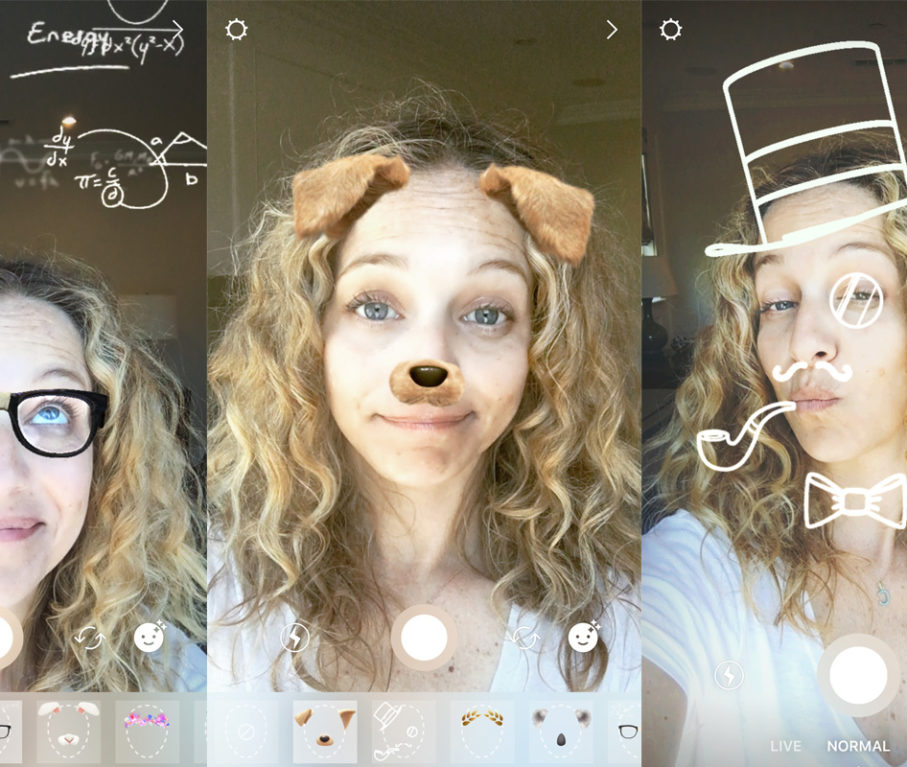
Creative Hobbyists
Creative people who often try new things to surprise their friends.
Contexts:
Group Calls
Social Media
Motivations:
Have fun
Socialize
Experimentation







Choose your Audience
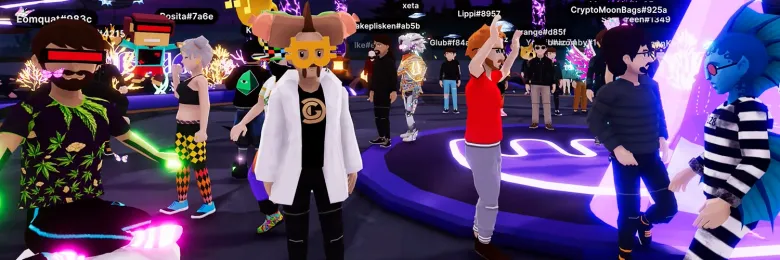
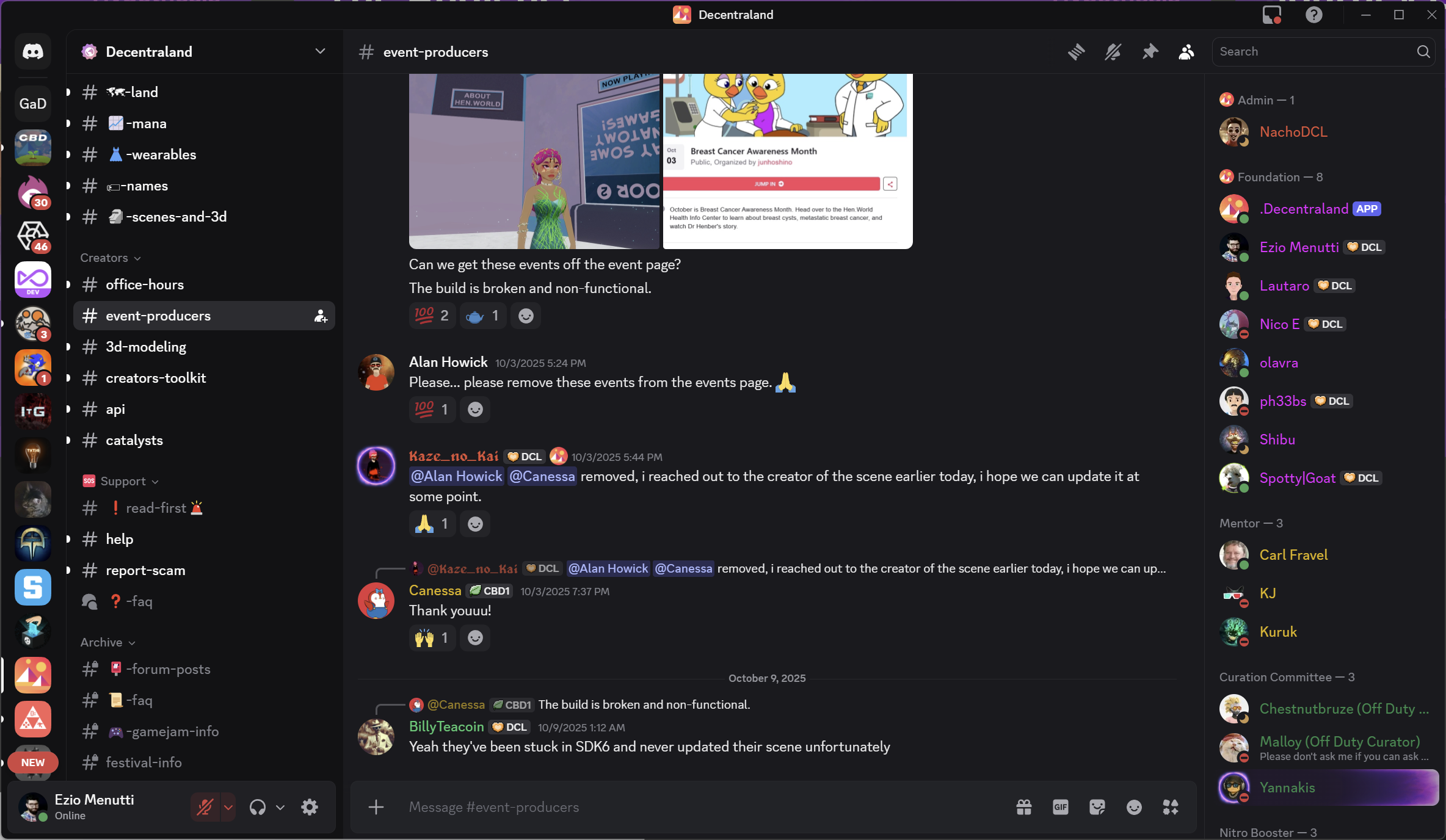
Community Members
Current DCL users who enjoy staying in touch with all things Decentraland while maintaining the same level of privacy they have in-world.
Contexts:
Community Spaces
DCL Events
DCL Related Projects
Motivations:
Socialize
Self-expression
Digital Identity
Privacy





Choose your Audience
content
creators
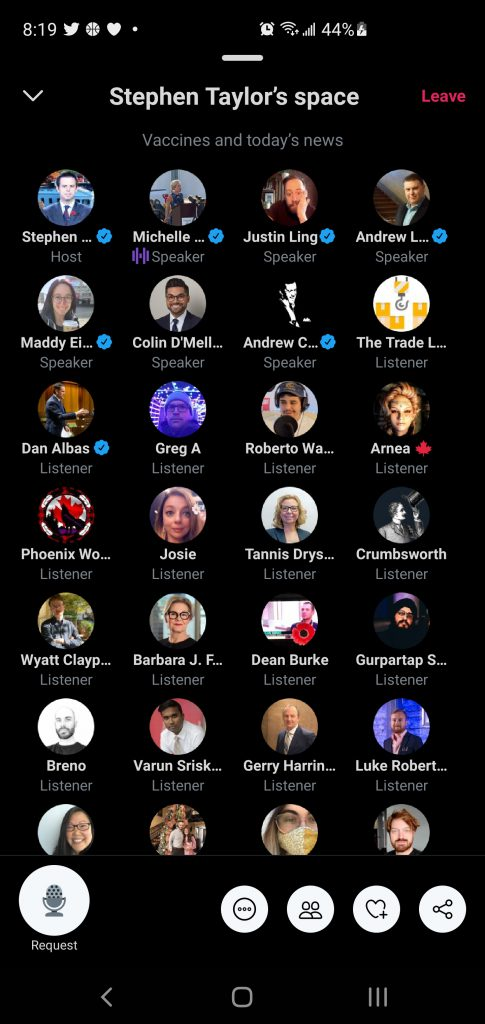
Entrepeneurs who constantly seek new tools to gain an edge in their daily activities.
Contexts:
Live Streams
Videos
Social Media
Motivations:
Content Creation
Business
Digital Identity




Choose your Audience
Ease of Use
Number of Features
offline
observers
art
hackers
tech
introverts
content
creators
web3
Enthusiasts
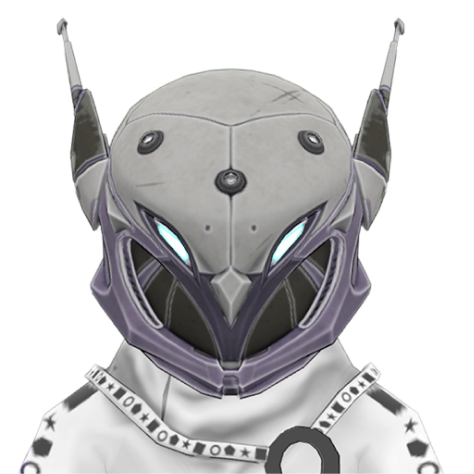
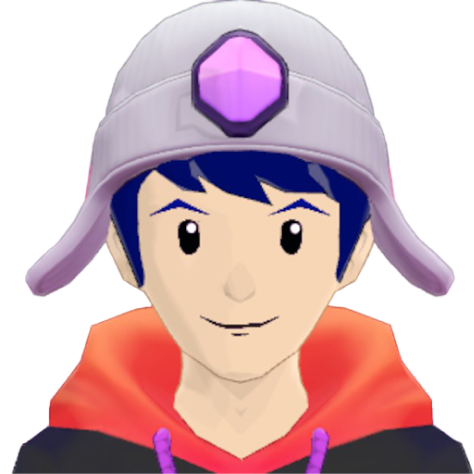
Community
Members

Creative
Hobbyists
Amount of
Features
Let’s dive into the journey of the 3 chosen audience categories
Expectations
Hypothesis
Generic Journey Expectations
Download and Install
Customization
Output
Creative Hobbyists
EXPECTATION
“Download the app from a well known and reputable source. No extra steps.”
EXPECTATION
“Choose between a limited number of options so I don’t get overwhelmed.”
EXPECTATION
“I picked it up fast. It works just like the other popular apps I already use.”
Community
Members
EXPECTATION
“It’s Open-source!”
EXPECTATION
“I can bring in my full Decentraland digital identity.”
EXPECTATION
“I’m able to easily participate in every event and live stream.”
content
creators
EXPECTATION
“I clearly understand what I can and cannot do with this tool.”
EXPECTATION
“Import my own VRM models and be able to replicate my current setup.”
EXPECTATION
“This tool supports a huge number of live features that make my content more dynamic and engaging.”
Market Solutions VS. Expectations
Download and Install
Customization
Output
Creative Hobbyists
“Download the app from a well known and reputable source. No extra steps.”
Warudo
VTube Studio
HYPER Studio
PRISM
“Choose between a limited number of options so I don’t get overwhelmed.”
VTube Studio
“I picked it up fast. It works just like the other popular apps I already use.”
Animaze
VTube Studio
HYPER Studio
Community
Members
“It’s Open-source!”
VCam
SUVA
“I can bring in my full Decentraland digital identity.”
“I’m able to easily participate in every event and live stream.”
Warudo
Animaze
VTube Studio
HYPER Studio
VCam
content
creators
“I clearly understand what I can and cannot do with this tool.”
Warudo
SUVA
Animaze
HYPER Studio
VCam
“Import my own VRM models and be able to replicate my current setup.”
Warudo
Animaze
VCam
HYPER Studio
“This tool supports a huge number of live features that make my content more dynamic and engaging.”
Warudo
Animaze
VTube Studio
HYPER Studio
Possible Market Gaps
Download and Install
Customization
Output
Creative Hobbyists
“Download the app from a well known and reputable source. No extra steps.”
Warudo
VTube Studio
HYPER Studio
PRISM
“Choose between a limited number of options so I don’t get overwhelmed.”
VTube Studio
“I picked it up fast. It works just like the other popular apps I already use.”
Animaze
VTube Studio
HYPER Studio
Community
Members
“It’s Open-source!”
VCam
SUVA
“I can bring in my full Decentraland digital identity.”
“I’m able to easily participate in every event and live stream.”
Warudo
Animaze
VTube Studio
HYPER Studio
VCam
content
creators
“I clearly understand what I can and cannot do with this tool.”
Warudo
SUVA
Animaze
HYPER Studio
VCam
“Import my own VRM models and be able to replicate my current setup.”
Warudo
Animaze
VCam
HYPER Studio
“This tool supports a huge number of live features that make my content more dynamic and engaging.”
Warudo
Animaze
VTube Studio
HYPER Studio
* Gaps are not equally important
Possible Solution Scope
Ease of Use
Number of Features
offline
observers
art
hackers
tech
introverts
content
creators
web3
Enthusiasts
Community
Members
Creative
Hobbyists
Amount of
Features
Hypothesis
Aiming at Creative Hobbyists
and Community Members could be a good starting point for reaching Content Creators and a wider audience.
Proposal Cheatsheet
At Launch
Future Versions
Never
audience
Offline Observers
Creative Hobbyists
Community Members
Web3 Enthusiasts
Content Creators
Tech Introverts
Art Hackers
platform
Windows
MacOS
Linux
Web
Mobile
VR
Steam
monetization
Free
Paid
Free and Open Source
Basic/Pro versions
Ad Supported
Marketplace Content
Exclusive features for NAME holders
avatar support
Built-In DCL Avatars
Create DCL Avatars
Import VRM Models
Live2D Avatars
Avatar customization
Bult-in Animations
Body Tracking
Face Tracking
Position Avatar
Voice Mods
Sound board
scene customization
2D Backgrounds
3D Backgrounds
Overlays
Props
scene output
Virtual Camera
Record Video
Spout2 Support
Would you like to see some designs?
You can find Benchmark, Design Specs and UI Examples here:
 Figma Link